What To Look For In An LMS

Author:
Gary Stringer
PUBLISHED ON:
August 21, 2023
August 21, 2023
PUBLISHED IN:
Glossary

When it comes to choosing a learning management system (LMS), there are crucial various factors that ensure that you make the right choice. 

An LMS is typically used for managing and delivering online learning content, tracking learner progress, and facilitating effective communication. This comprehensive guide will outline the key features and considerations to look for in an LMS, helping you make an informed decision.

1. User-friendly interface

A user-friendly interface is paramount to ensure easy navigation and adoption of the LMS across your organisation. Look for an LMS that offers an intuitive and visually appealing interface, making it effortless for both administrators and learners to access and utilise the platform. 

2. Customisation and branding 

The ability to customise the LMS to align with your organisation's branding and specific requirements is essential. Look for an LMS that allows you to incorporate your logo, colour scheme, and other visual elements, ensuring a seamless integration with your existing systems. 

Customisation options enable you to create a personalised learning environment that reflects your organisation's unique identity.

3. Content management

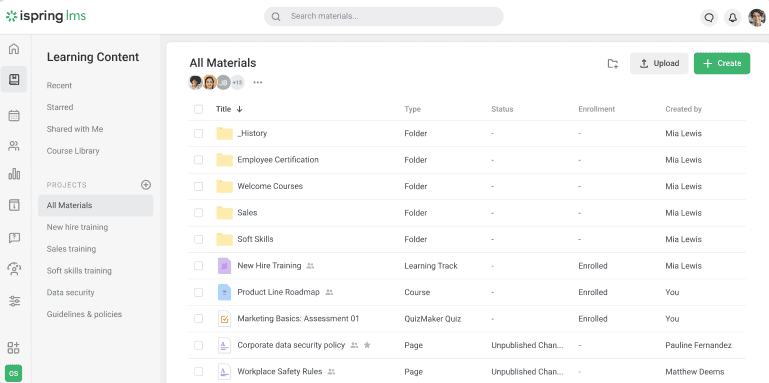
An effective LMS should provide robust content management capabilities. Look for features such as easy content creation, uploading, and organisation. 

The LMS should support a wide range of content formats, including text, images, videos, and interactive elements. Additionally, consider whether the LMS allows for version control, content reuse, and collaborative authoring, enabling efficient content development and updates.

4. Assessment and tracking

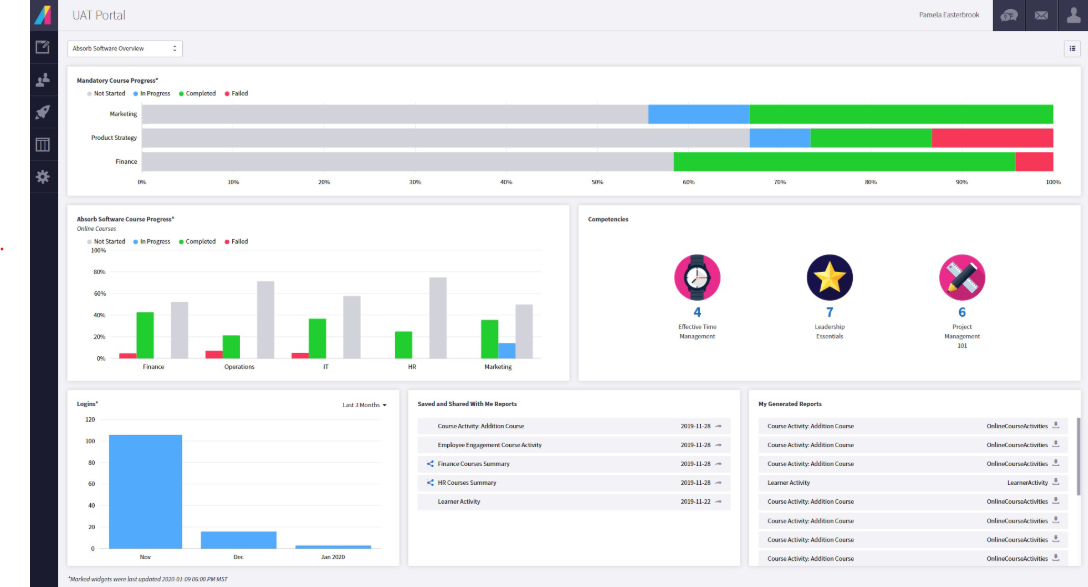
Assessment and tracking features are crucial for monitoring learner progress and evaluating the effectiveness of your online courses. Look for an LMS that offers a variety of assessment options, such as quizzes, assignments, and surveys. 

The LMS should provide comprehensive tracking and reporting capabilities, allowing administrators to monitor individual learner performance, identify knowledge gaps, and generate insightful analytics.

5. Communication and collaboration tools

Effective communication and collaboration tools are vital for facilitating interaction between learners and instructors, as well as promoting peer-to-peer engagement. 

Look for an LMS that offers features such as discussion forums, live chat, messaging, and virtual classrooms. These tools foster a sense of community, encourage knowledge sharing, and enable learners to seek assistance when needed.

6. Mobile compatibility

In today's mobile-centric world, it is crucial for an LMS to be compatible with various devices and operating systems. Look for an LMS that is responsive and supports mobile learning. 

Mobile compatibility ensures that learners can access the LMS anytime, anywhere, using their preferred devices, such as smartphones or tablets. 

7. Integration capabilities

Consider the integration capabilities of an LMS with your existing systems and tools. Look for an LMS that seamlessly integrates with your Learning Content Management System (LCMS), Human Resources Information System (HRIS), Customer Relationship Management (CRM) software, and other relevant platforms. 

Integration streamlines data exchange, reduces administrative overheads, and enhances the overall learning ecosystem.

8. Scalability and future-proofing

Consider the scalability and future-proofing capabilities of an LMS. Look for an LMS that can accommodate the growth of your organisation and the increasing demands of your learners. 

Ensure that the LMS allows for easy scalability, with the ability to add more users, courses, and content as needed. Additionally, consider the LMS provider's commitment to ongoing updates, enhancements, and support to ensure long-term viability.

Conclusion


Choosing the right LMS is a crucial decision that can significantly impact the success of your learning initiatives. By considering factors such as user-friendliness, customisation, content management, mobile compatibility, integration capabilities, and scalability, you can make an informed choice. 

Remember to evaluate multiple LMS options, request demos, and involve key stakeholders to ensure that the selected LMS aligns with your organisation's unique needs and goals.

Read The Complete Guide To Buying, Building And Launching An LMS Or LXP here and get the step-by-step process for finding the right platform.

Want a 5x better engagement than a traditional LMS
Demo Hownow

Be in the know

More articles

Quick summary

Docebo is a capable enterprise LMS, but it isn't the right fit for every L&D team. Costs climb once you add the modules you actually need, and the platform takes real work to run day-to-day. This guide walks through 11 Docebo alternatives worth a serious look in 2026, with honest pros, cons, pricing, and G2 ratings for each.

At a glance

The three platforms teams shortlist most often when they leave Docebo.

Platform Best for G2 rating
HowNow Teams who want LMS, LXP, skills and content in one AI-native platform 4.5 / 5
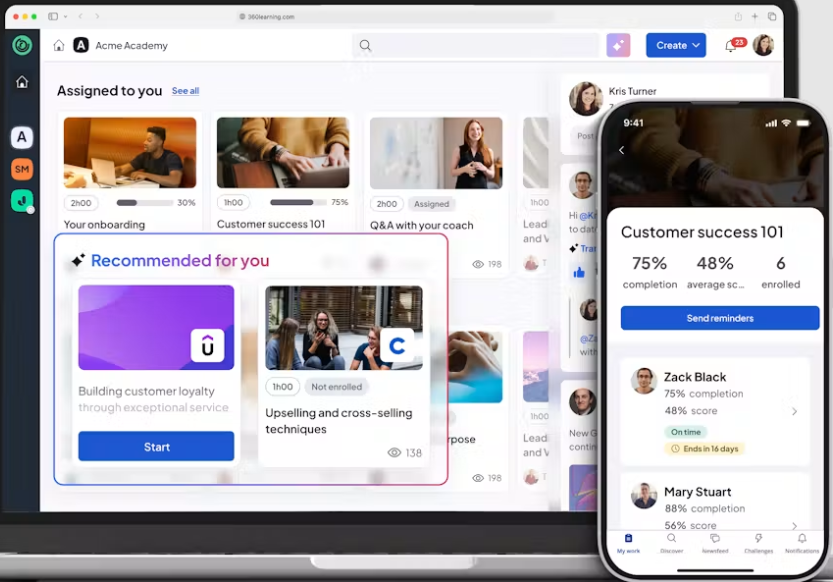
360Learning AI-powered LMS designed around collaborative authoring. 4.6 / 5
Cornerstone Large enterprises linking learning to talent 4.1 / 5

Why L&D teams start shopping for a Docebo alternative

Most Docebo customers don't wake up one morning and decide to switch. Something specific pushes them to start looking.

Often, it's a renewal coming up. A three-year contract lands on the CFO's desk, and someone has to defend keeping a platform that engagement scores rank near the bottom of the employee survey. In other cases, a new Head of L&D or CLO joins, inherits a stack they didn't choose, and gets a six-month mandate to fix engagement or prove ROI.

The most common trigger is quieter than either of those. Usage numbers have been drifting downward for a couple of years. The team ends up tracking compliance renewals in spreadsheets, skills data isn't captured anywhere consistently, and pulling together a custom report takes a couple of weeks. The system works technically, but it isn't moving the business forward.

If any of that sounds familiar, this list is for you. Each review is short, the pros and cons are honest, and the goal is to give you a shortlist you can take straight into procurement.

Why listen to us

We're the team behind HowNow, and our customers are mid-market L&D teams facing this exact call. Just ask Infinity Works, who hit 97% activation within four months of switching us on. Hotelplan found that 78% of people felt confident in their roles. FitFlop went from a standing start to 69% engagement, and Operatix ramped new starters 33% faster. Radius upskilled 3,000 managers on top of all that.

We compete with most of these platforms every week, and that's how we've built up an honest read on each one. HowNow was built to solve the exact problems that push teams off Docebo: low engagement, no visibility into skills, and admin work that eats the L&D team's calendar. 

For skills-mapped courses that plug in from day one, take a look at the HowNow Plus content library.

What is Docebo and why look for alternatives

Docebo is an enterprise learning platform, now positioned as an AI Workforce Readiness Platform. In one suite, it handles course delivery, content authoring, skills, and analytics, with an AI layer running across the product. The Content Marketplace ships with 30,000+ off-the-shelf courses, and its customer list includes well-known names such as Zoom, AWS, and Heineken.

Docebo is a serious platform. It's also one that many L&D teams outgrow, overpay for, or find heavy to run. Below are the four reasons buyers most commonly start looking at alternatives to Docebo.

The price is quote-only and adds up quickly

Docebo doesn't publish pricing on its site. What you pay depends on your tier and active user count, and several of the more advanced capabilities, including parts of the AI toolkit and extended enterprise features, sit behind add-ons. The first quote rarely reflects the final number you'll spend.

You want learning tied to skills, not another content catalogue

Docebo is a broad suite you configure to fit your setup, and getting personalised, skills-based learning running takes real work up front. If you'd rather each person's learning matched the skills their role actually needs from day one, without launching a taxonomy project first, this is where Docebo tends to fall short.

The admin load is heavier than most teams expect

Running Docebo properly usually calls for a dedicated admin, or an implementation partner to keep things ticking. For small L&D teams already stretched thin, the day-to-day maintenance eats hours that should go to learning design. Custom reporting is another area where you'll need technical hands.

Support quality depends on which tier you buy

Standard support tiers can be slow on anything that isn't business-critical, and higher tiers cost more. Plenty of G2 reviewers flag the gap between what they expected on support and what they actually got, especially in the first year.

If two or more of those reasons hit home, the alternatives below are worth a look.

Tool Best for Starting price Rating
HowNow Mid-to-large enterprises wanting learning tied to real skills Custom (demo-led) 4.5 / 5 (G2)
360Learning Teams building courses with in-house experts $8 / user / month (Team) 4.6 / 5 (G2)
Disprz AI-first skilling for enterprise and frontline teams Custom (demo-led) 4.5 / 5 (G2)
Cornerstone Large enterprises linking learning to talent Custom (not published) 4.1 / 5 (G2)
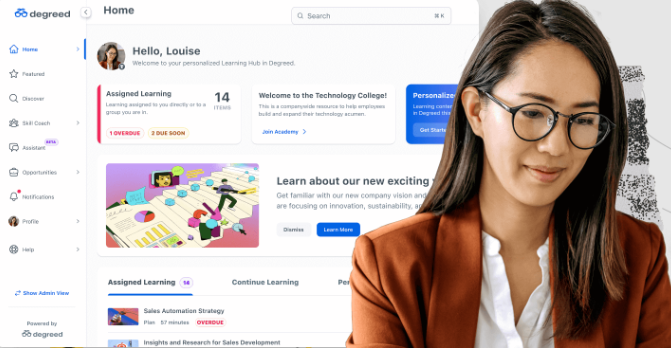
Degreed Enterprises building a skills strategy Custom (not published) 4.3 / 5 (G2)
Absorb LMS Internal L&D plus customer and partner training Custom (not published) 4.6 / 5 (G2)
SAP Litmos Fast-deploy compliance and extended enterprise Custom (not published) 4.3 / 5 (G2)
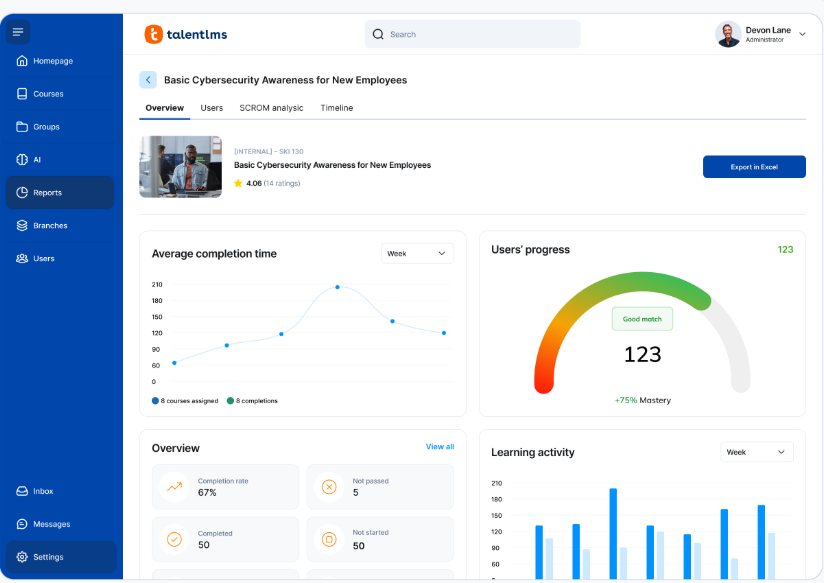
TalentLMS Small teams wanting transparent pricing $119 / month (Core, annual) 4.6 / 5 (G2)
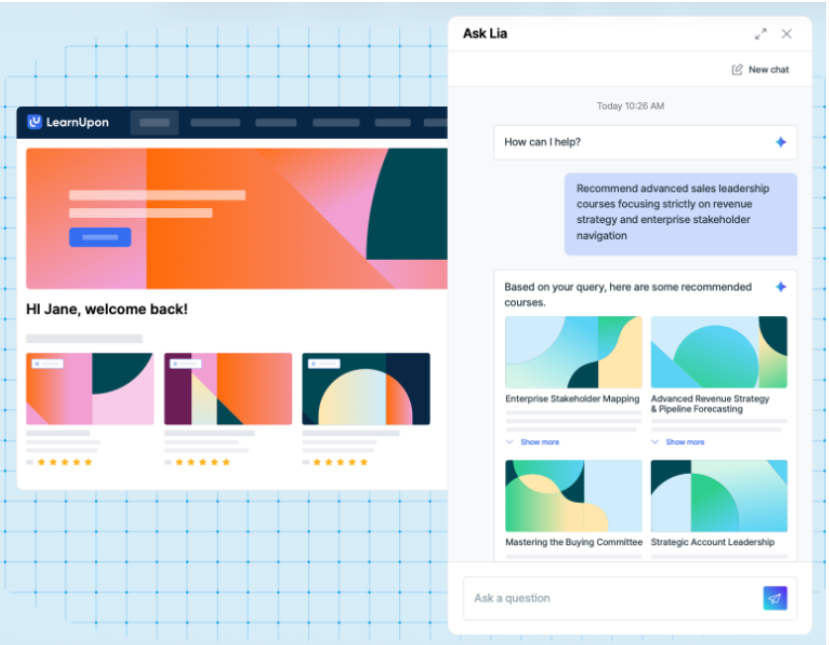
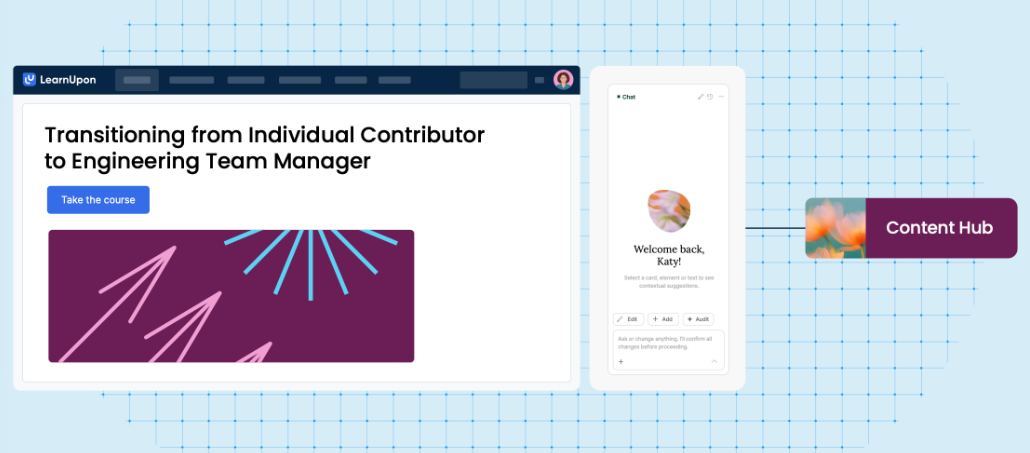
LearnUpon Training separate audiences from branded portals Custom (not published) 4.5 / 5 (G2)
Thrive Public pricing and an LXP feel Platform: $77,900 4.5 / 5 (G2)
Kallidus UK teams with heavy compliance needs Custom (not published) 4.3 / 5 (G2)

1. HowNow

Low engagement is the problem most L&D leaders are trying to solve, and the root cause is usually relevance. HowNow is an AI-powered learning and upskilling platform that ties what your people learn to the skills their roles actually need, with those skills pulled from the work they do rather than from a form nobody fills in.

The engine behind it is the AI Skill Graph, which maps every course, pathway, and internal expert against a library of 30,000+ skills drawn from live job-market data. Each person gets their own Skills Profile and personalised recommendations that update as their work changes. 

Because everything runs off skills, even a small team can manage learning at scale, and building a dashboard is as simple as asking for one. You can dig deeper on the HowNow Learning Platform page.

Key features

  • AI pathway builder: Personalised learning paths built from skills gaps, role context, and business goals. Automatically.
  • Adaptive learning: Every learner gets a personalised path based on their role, skills, and progress. 1:1 learning at scale.
  • AI curation: The right content found, tagged, and organised from your internal sources and external libraries. Surfaced automatically.
  • Learning communities: Peer expertise made visible, structured, and searchable. Your best knowledge captured and available to everyone.
  • Skills graph: Every skill and every gap visible. The intelligence that connects performance gaps to the learning that will close them.
  • Career paths: Every employee sees their skills, their gaps, and where they can grow. Real paths that drive engagement without mandating it.
  • AI Performance coaching: Answers, practice, feedback, and proactive coaching, delivered where your people already work. Connected to real work signals.
  • Trusted content: Expert knowledge your AI can actually use. Every recommendation grounded in real expertise, not generic results.
  • Unified Search: Pulls any course, document or expert answer from one search box across your tools.
  • In-flow delivery: Serves learning inside Slack, Teams and the browser, where people already work.

Pricing

HowNow does not publish a public price. Pricing is quoted per organisation after a demo, and the pricing page includes an ROI calculator if you want to model the investment first. You'll find everything on the HowNow pricing page.  

Rating

G2: 4.5 / 5, with a Market Leader badge shown on the HowNow G2 profile.

Pros

  • Learning maps to each person's skills automatically, so activation and engagement stay high.
  • One platform covers onboarding, compliance, leadership, and careers, so you cut logins and vendors.
  • A small L&D team can run the whole thing, because assignment, tracking, and reporting are largely automated.
  • AI runs through every feature rather than being bolted on as a chatbot.
  • Modern design lifts learner participation from the first week.

Cons

  • Built for mid-to-large organisations, so very small teams under 250 employees are a weaker fit.

You can see how HowNow works in practice by booking a demo, or read our customer stories from Infinity Works, Hotelplan and others.

2. 360Learning

If your best knowledge sits in your people's heads, 360Learning is built for exactly that. It's an AI-powered LMS designed around collaborative authoring, where your subject-matter experts write courses with L&D providing the oversight. 

The AI Content Builder can turn an expert's rough material into a structured course quickly, which suits teams looking to capture internal know-how before it walks out the door. Customers include Cisco, Duolingo, and Michelin.

Key features

  • AI Content Builder. Turn an expert's raw material into a structured course in minutes.
  • Collaborative authoring. Let subject-matter experts write and update courses with L&D oversight.
  • Skills-based paths. Group learning into paths tied to roles and skills.
  • Broad integrations. Connect Workday, SAP SuccessFactors, BambooHR, Slack, Teams, and Zoom.
  • Analytics dashboards. Track engagement and completion across teams.

Pricing

The Team plan starts at $8 per user per month, up to 100 users, with a 30-day free trial. Business and Enterprise plans are on custom terms. You'll find everything on 360Learning's pricing page.

Rating

G2: 4.6 / 5, on the 360Learning G2 profile.

Pros

  • The collaborative model surfaces internal expertise quickly.
  • Strong scale and logos, including Cisco, Duolingo, and Michelin.
  • Deep integrations across HRIS and revenue tools.

Cons

  • The collaborative model can create content sprawl without careful editorial oversight.
  • Skills mapping is lighter than what you'd get from a dedicated skills platform.
  • Works best for companies with a mature learning culture already in place.

3. Disprz

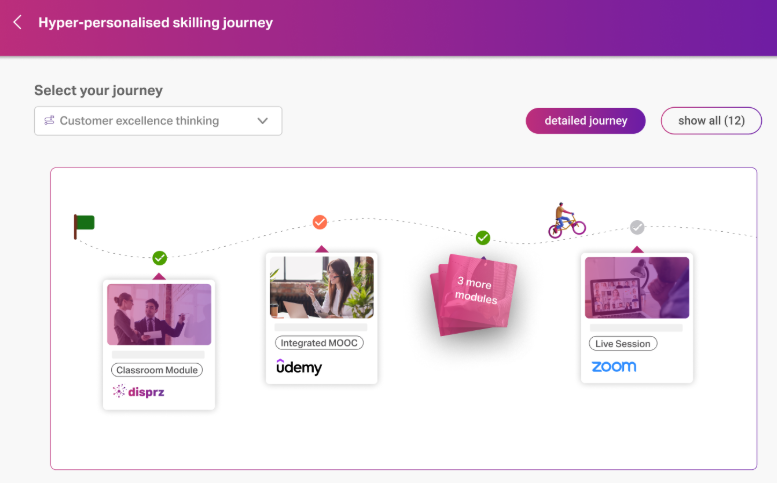
Disprz is one of the most AI-native platforms on this list, and it brings an LMS, LXP, and skilling engine together in one place. It suits enterprises that want to tie learning directly to the skills each role needs. Disprz leans heavily on generative AI to personalise pathways and build content.

Where Disprz stands out is its Atomic Skills Model, an off-the-shelf taxonomy that maps skills to every job role. The platform then builds role-based pathways and adapts assessments to how each person responds. Its mobile-first, multilingual design also makes it a strong fit for large, distributed, and frontline teams.

Key features

  • Atomic Skills Model. An off-the-shelf skills taxonomy mapped to every job role.
  • AI-powered pathways. Personalised upskilling routes based on proficiency, interests, and goals.
  • Adaptive assessments. Multi-format assessments that adjust to each learner's responses.
  • Generative authoring. AI drafts, summarises, and curates learning content quickly.
  • Frontline enablement. Mobile-first, multilingual delivery for distributed and deskless teams.

Pricing

Disprz uses custom pricing shaped by your size, features, and user count, so there is no public floor figure. You book a demo, and the quote follows a scoping conversation. You'll find the details on Disprz's pricing page.

Rating

G2: 4.5 / 5, on the Disprz G2 profile.

Pros

  • Genuinely AI-native, with skilling and personalisation built into the core.
  • Strong skills taxonomy that maps learning to real job roles.
  • Mobile-first design suits frontline and distributed workforces well.

Cons

  • Built for larger enterprises, so smaller teams may find it heavy.
  • Its strongest customer base sits across APAC and the Middle East.
  • The built-in authoring tools trail the more mature enterprise suites.

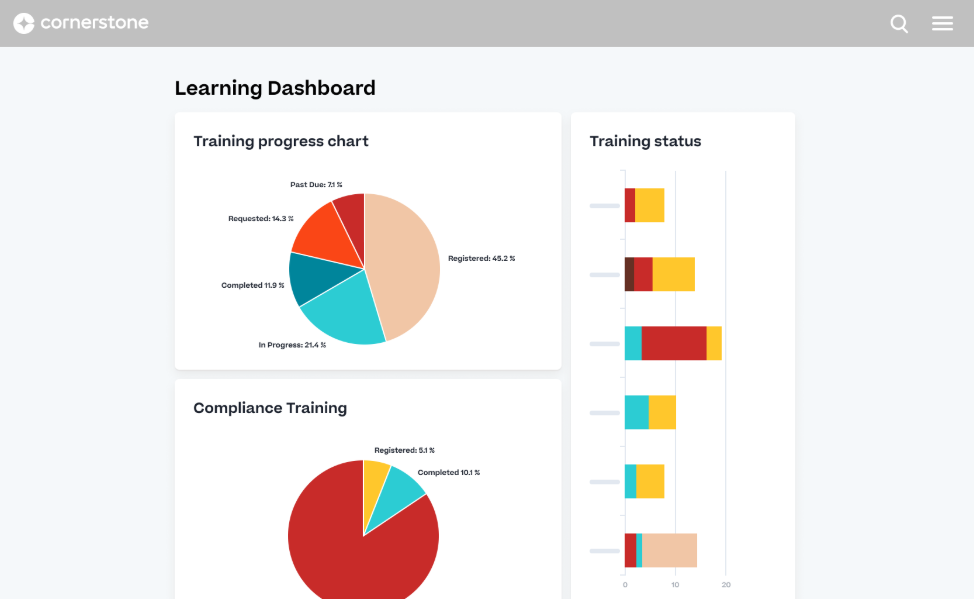
4. Cornerstone

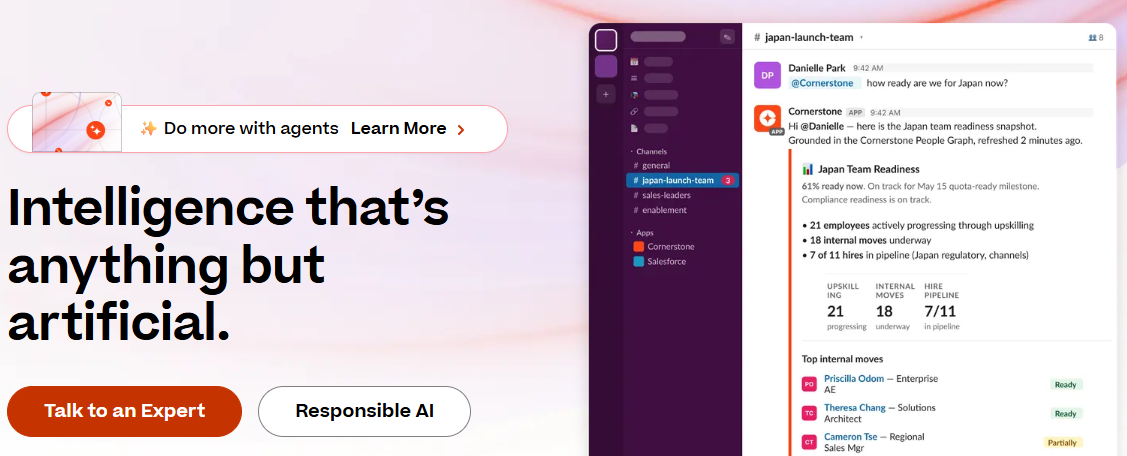
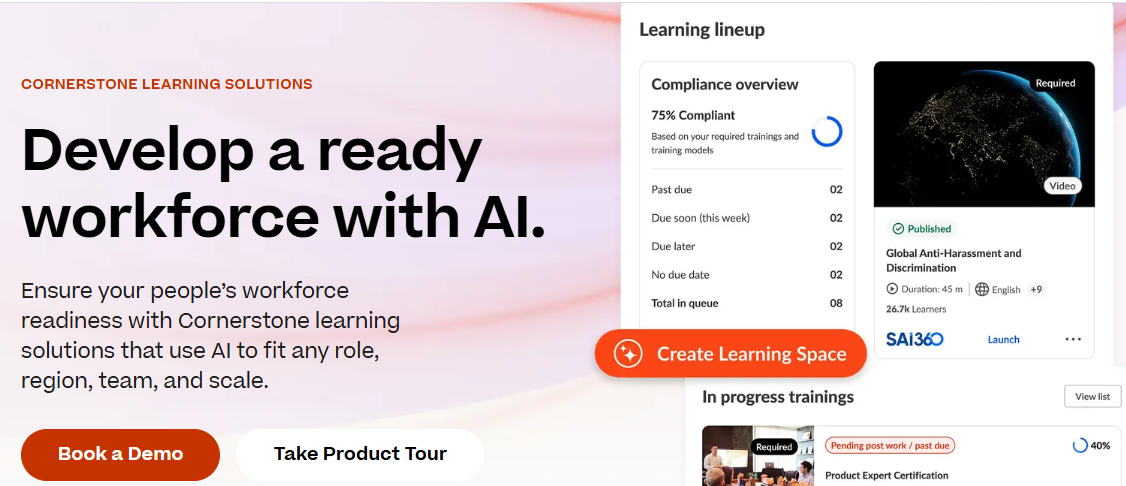
If you treat learning as one part of a wider talent picture, Cornerstone is the broadest option on this list. It's a workforce readiness platform that connects learning to skills, succession, and core HR under an AI layer. 

The breadth is the appeal, and also why lean teams can struggle to run it. You get personalised learning paths, centralised content, compliance tracking, 50 languages, and an Immerse AI Companion for VR training. It suits large, complex organisations that have dedicated admin teams to lean on.

Key features

  • Talent-linked learning. Connect learning to skills, succession, and core HR.
  • Compliance tracking. Assign and evidence regulated training across the org.
  • Immerse AI Companion. Run immersive VR training scenarios.
  • Global reach. Multi-language, multi-region support for global rollouts.
  • Broad integrations. Ties into every major HRIS.

Pricing

Cornerstone doesn't publish pricing on its site, so you'll need to contact sales for a custom quote. You can start on Cornerstone's contact page.

Rating

G2: 4.1 / 5, on the Cornerstone G2 profile.

Pros

  • Very broad, linking learning to the wider talent lifecycle.
  • Strong compliance and global-language support.
  • Proven at large enterprise scale.

Cons

  • The breadth needs proper configuration and dedicated admin resource.
  • The interface feels dated next to more modern platforms.
  • Configuration and deployment can take six to nine months.

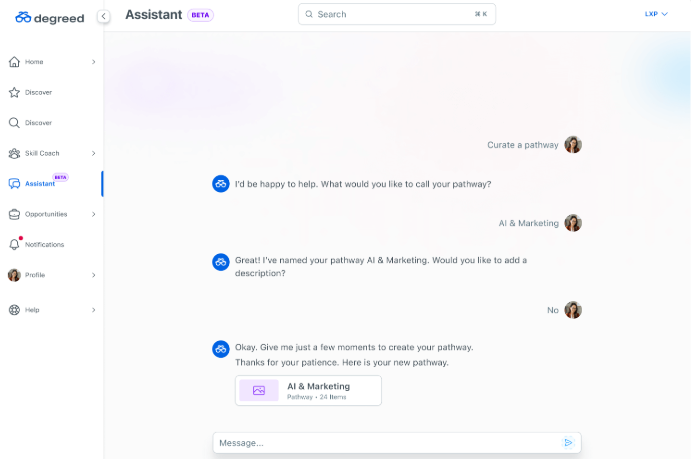
5. Degreed

If your priority is upskilling rather than course delivery, Degreed comes at the problem from the LXP side. The company calls itself the Learning and Upskilling Platform, and the whole product is built around skills and pulling learning together from many sources.

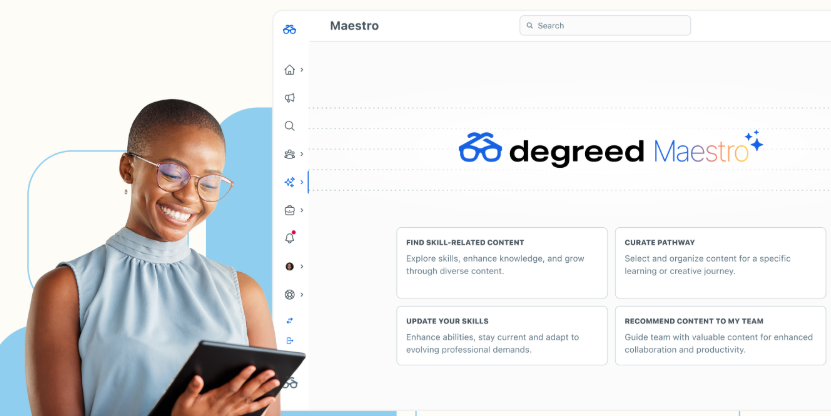
The Open Library aggregates content from across the web and your own systems, Skills+ tracks skills across the workforce, and Maestro adds AI assistance. That combination makes Degreed a strong choice for a skills-first strategy. Because it leans LXP, it's lighter on formal course delivery and compliance tracking, so many teams end up pairing it with a full LMS.

Key features

  • Open Library. Aggregate learning from the web and your internal systems in one place.
  • Skills+. Track and develop skills across the workforce.
  • Maestro. AI assistance for learning and skills tasks.
  • Academies. Group content into structured upskilling programmes.
  • Career pathways. Map skills to roles and progression across the business.

Pricing

Degreed doesn't publish pricing on its site. You'll need to talk to sales for a figure. 

Rating

G2: 4.3 / 5, on the Degreed G2 profile.

Pros

  • Strong focus on skills and upskilling.
  • Aggregates content from many external and internal sources.
  • Good fit for enterprises with a clear career pathway strategy.

Cons

  • Lighter on formal course delivery than a full LMS.
  • Compliance tracking is thinner, so many teams add a paired LMS.
  • Content authoring is basic compared to purpose-built LMS tools.

6. Absorb LMS

If you're training customers and partners alongside your own staff, Absorb is worth a serious look. It's an AI-powered LMS that runs internal L&D and extended-enterprise training in one place, and its customer list includes Sony, Gap, and Samsung.

Where Absorb shines is on the extended-enterprise side. You can run separate audiences, brand their experience, and even sell courses to them. Absorb Create, Skills, Analyze, and Engage cover authoring, skills, reporting, and engagement respectively. 

Skills mapping is lighter than a dedicated skill graph, so Absorb reads more as a flexible LMS than as a skills-first tool.

Key features

  • Absorb Create. Build courses with a built-in authoring tool.
  • Extended enterprise. Train and brand separate customer and partner audiences.
  • Absorb Analyze. Report on learning activity across audiences.
  • Absorb Skills. Map learning to skills at a basic level.
  • Amplify library. An off-the-shelf course library available as an add-on.

Pricing

Absorb doesn't publish pricing on its site. You'll need to request a quote through their get-pricing form on Absorb's pricing page.

Rating

G2: 4.6 / 5, on the Absorb G2 profile.

Pros

  • Strong for customer and partner training alongside internal L&D.
  • Clean authoring and reporting experience.
  • Proven at scale with well-known logos.

Cons

  • Skills mapping is lighter than a dedicated skills platform.
  • Personalisation depends heavily on how you configure it.
  • AI features feel bolted on rather than truly native.

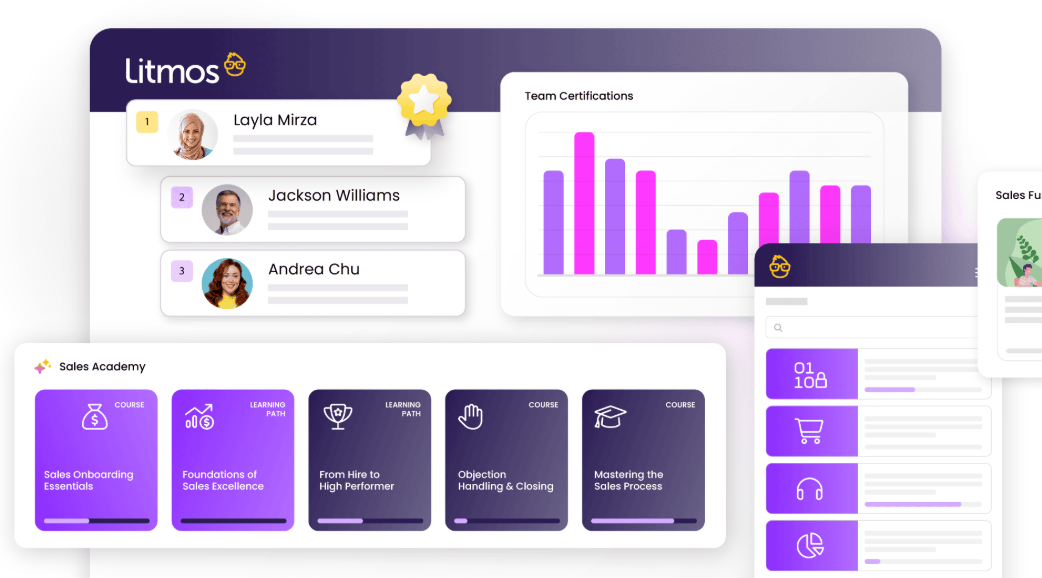
7. SAP Litmos

When speed to launch and compliance are your top priorities, Litmos gets you there quickly. It's an AI-forward LMS designed to launch training fast, especially useful when you need to get content out to partners or customers in a hurry. 

Litmos AI helps build content, ready-made Content Libraries fill gaps, and Litmos Commerce lets you sell training externally. Personalisation and skills depth are lighter than what you'll find in skills-first tools.

Key features

  • Litmos AI. Generate and assemble course content with AI.
  • Content Libraries. Ready-made courses that cover common training needs.
  • Compliance training. Assign and track regulated training at scale.
  • Litmos Commerce. Sell courses to external audiences.
  • Extended enterprise. Train employees, partners, and customers separately.

Pricing

Litmos doesn't publish pricing on its site. Foundation, Platinum, and Platinum AI plans all point you to contact sales. You'll find the plans on Litmos's pricing page.

Rating

G2: 4.3 / 5, on the Litmos G2 profile.

Pros

  • Fast to deploy, which suits urgent compliance needs.
  • Strong extended-enterprise and course-selling options.
  • Proven at large scale across many industries.

Cons

  • Skills and personalisation are lighter than skills-first platforms.
  • The interface feels dated compared to more modern LMS options.
  • Better suited as a delivery engine than as an engagement platform.

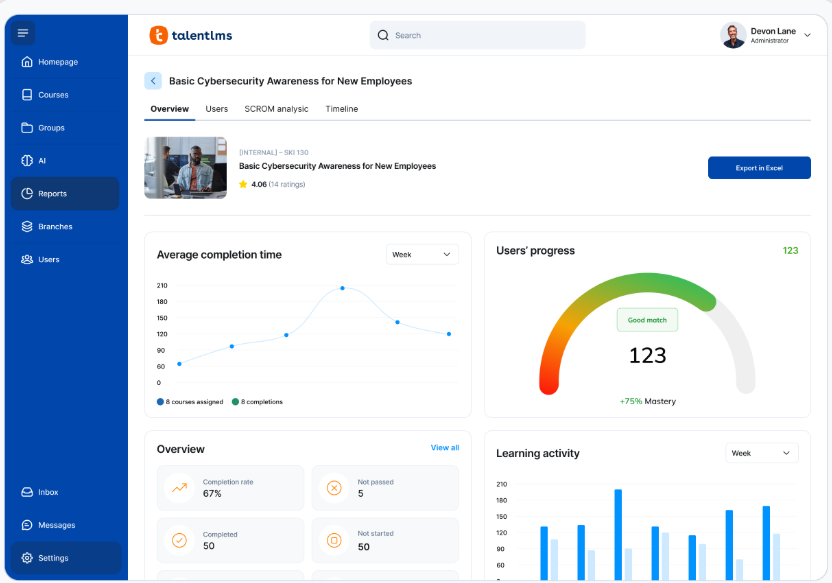
8. TalentLMS

If you want a price you can see before talking to anyone, TalentLMS is one of the few platforms here that shows it. It's a cloud LMS built for fast setup, with prices published on the company's own site.

Lean teams appreciate being able to size the spend without going through sales first. TalentCraft creates content with AI, TalentLibrary adds 1,000+ ready-made courses, and Skills tracks development. The main constraint is scale: standard tiers cap at 100 users on the Pro plan, so a 250 to 500-person organisation ends up sitting between plans.

Key features

  • TalentCraft. Create courses with an AI content generator.
  • TalentLibrary. 1,000+ ready-made courses available as an add-on.
  • Skills. AI-powered skill-based learning and self-assessment.
  • Fast setup. Get a working portal running with very little admin.
  • Gamification. Points, badges, and leaderboards on every tier.

Pricing

Core is $119 per month for 1-40 users, Grow is $229 for 1-70 users, and Pro is $449 for 1-100 users, with $6 per additional user beyond that. All figures are billed annually. Enterprise is a custom plan starting from 1,000 users, and there's a Free plan for up to 5 users. You'll find everything on TalentLMS's prices page.

Rating

G2: 4.6 / 5, and Capterra: 4.7 / 5, both displayed on the TalentLMS pricing page. You can also read reviews on the TalentLMS G2 profile.

Pros

  • Fastest setup on this list, often live within an hour.
  • Clean visual course builder for content teams.
  • Gamification is built in on every tier.

Cons

  • Standard tiers cap at 100 users, so mid-market orgs quickly outgrow them.
  • Skills depth is lighter than dedicated skills platforms.
  • AI features are basic compared to purpose-built AI platforms.

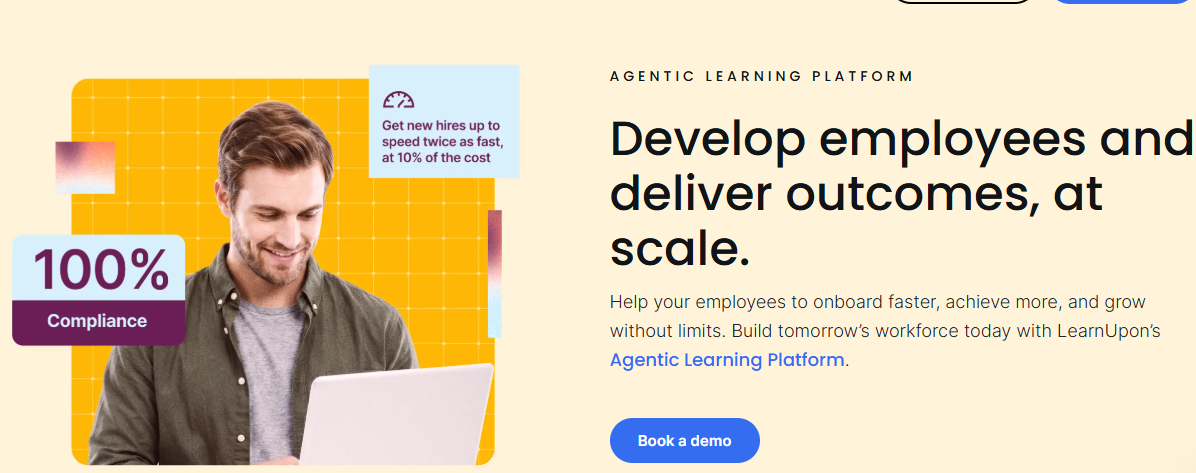
9. LearnUpon

If you train several distinct audiences, LearnUpon's portal model is a natural fit. Its real strength is multi-tenant Portals that keep each audience separate, so you can run branded learning environments for staff, customers, and partners from a single back end. 

Create+ speeds up authoring with AI, LearnUpon IQ adds AI across the wider platform, and Learning Journeys give you a way to structure paths. If you only train internal staff, the portal architecture is likely more than you need.

Key features

  • Portals. Run separate branded learning environments from one platform.
  • Create+. Author content faster with AI assistance.
  • LearnUpon IQ. AI running across learning tasks.
  • Learning Journeys. Structured paths for each audience.
  • Broad integrations. Ties to Salesforce, HubSpot, and major HRIS platforms.

Pricing

LearnUpon doesn't publish pricing on its site, and plans are demo-led. You can request a quote on LearnUpon's pricing page.

Rating

G2: 4.6 / 5, on the LearnUpon G2 profile.

Pros

  • Excellent for training multiple distinct audiences.
  • Fast authoring with Create+.
  • Strong customer support with dedicated implementation.

Cons

  • The portal model is more than internal-only teams need.
  • Skills mapping is lighter than a skills-first platform.
  • AI capabilities lag behind newer AI-native platforms.

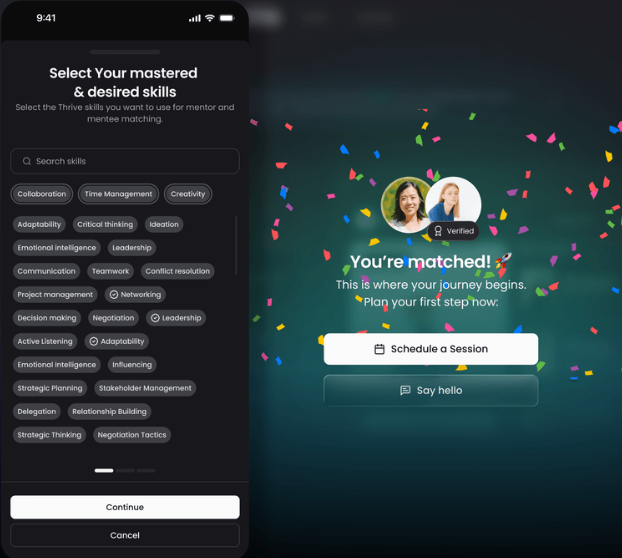
10. Thrive

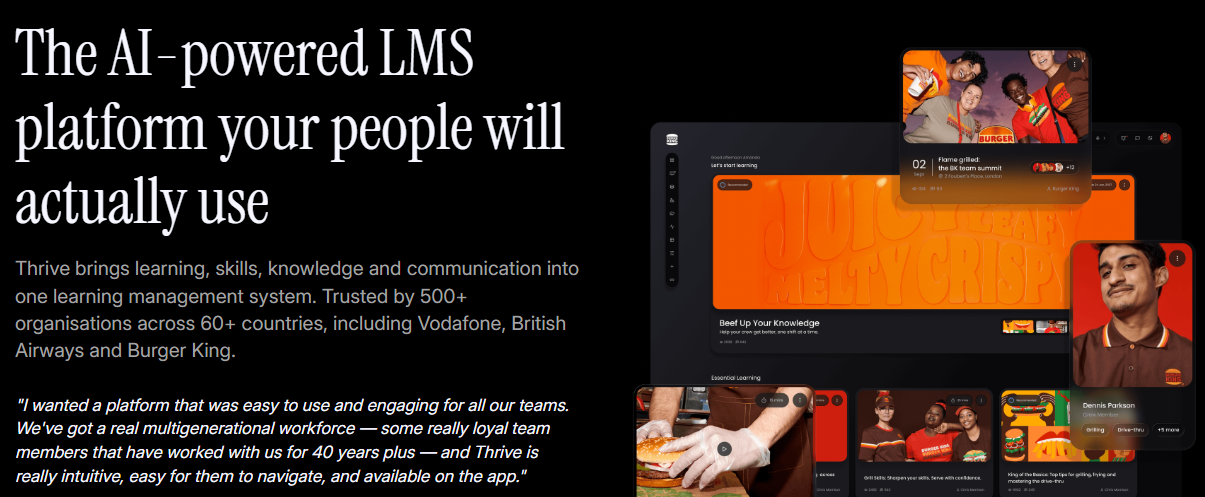
Thrive is refreshing on the transparency front, because it publishes its prices openly on its website. It's an AI-powered platform that blends LMS and LXP, and the pitch is about going beyond completions to actual development.

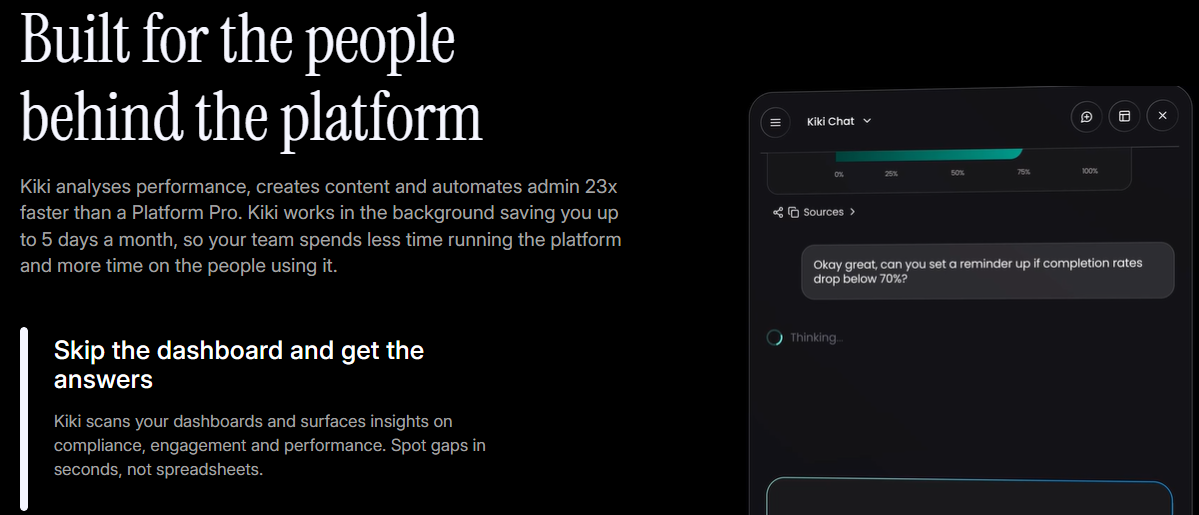
What sets Thrive apart is Kiki, an AI agent that works as coach, creator, analyst, admin, and assistant across the product. There are also Skill Pathways and Spaces to structure how learning gets delivered. Thrive lists platform and content prices on its own site, with no forms and no sales calls.

Key features

  • Kiki AI agent. Handles coaching, content, analytics, and admin through one AI agent.
  • Skill Pathways. Group learning into skills-based paths.
  • Spaces. Shared team areas where people can learn and share content.
  • AI Content Creator. Turn a prompt into professional learning content.
  • Mentoring included. Match mentors and mentees at no extra cost.

Pricing

Thrive publishes pricing openly. Its site lists the platform from around $16,200 per year, with a calculator to size it for your team. The ready-made content library is priced separately. You'll find this on Thrive's pricing page.

Rating

G2: 4.5 / 5, on the Thrive G2 profile.

Pros

  • A capable AI agent across coaching, content, and admin.
  • Blends LMS structure with an LXP feel.
  • Engaging social interface built around content discovery.

Cons

  • Skills analysis and career mapping aren't core strengths.
  • Search and navigation can frustrate at scale.
  • Smaller review base than the legacy suites.

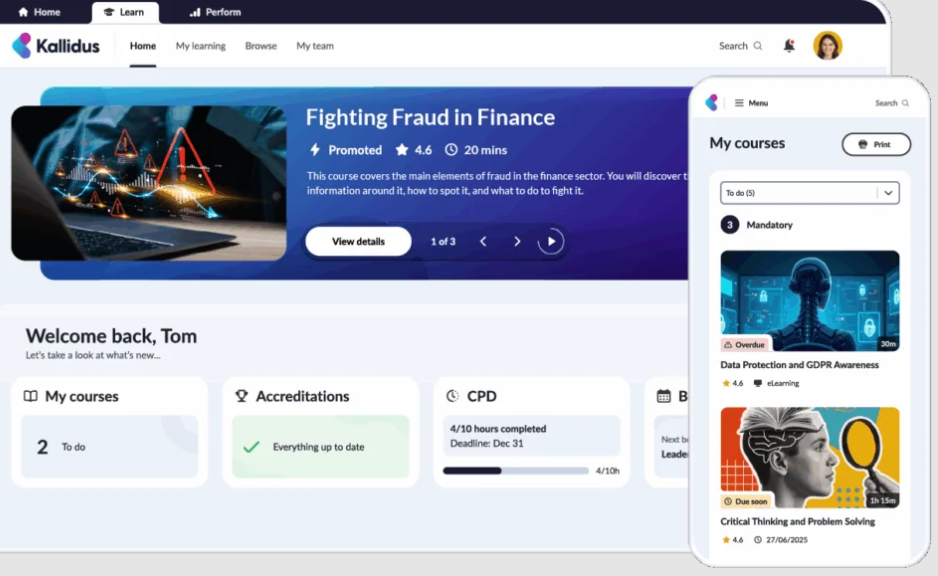
11. Kallidus

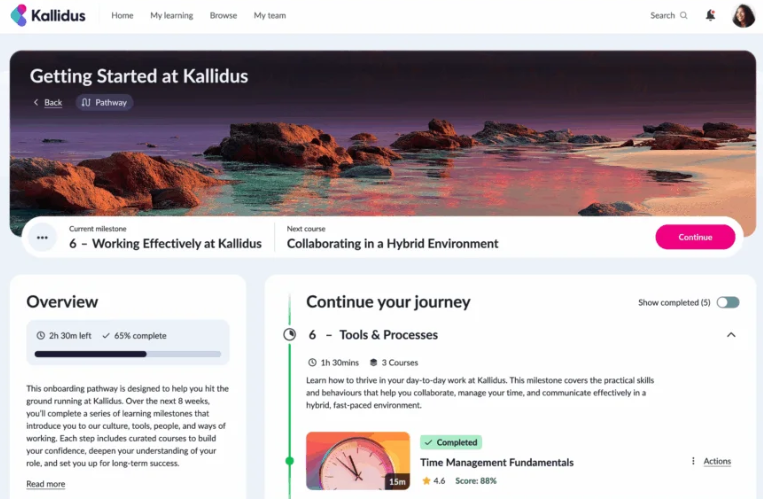
If you're a UK team carrying a heavy compliance load, Kallidus deserves a place on your shortlist. It's a compliance-focused LMS and people-development platform that aims to prove impact rather than just log completions.

Learn LMS delivers and tracks courses, embedded Power BI reporting handles analytics, and there's instructor-led training and performance management on top. It ships with 250+ off-the-shelf courses. For regulated UK organisations, the compliance and reporting depth is genuinely worth the trade-off. Skills-based personalisation is lighter than a skills-first platform.

Key features

  • Learn LMS. Deliver and track courses across the organisation.
  • Power BI reporting. Embedded analytics for learning data.
  • Instructor-led training. Manage classroom and live sessions.
  • 250+ courses. A ready-made off-the-shelf library included.
  • Performance management. Connects learning to appraisals in one dashboard.

Pricing

Kallidus doesn't publish pricing on its site. The Essential, Growth, Advanced, and Content tiers are tailored per customer. You'll find the tiers on Kallidus's pricing page.

Rating

Capterra: 4.3 / 5, on the Kallidus G2 profile.

Pros

  • Strong compliance and reporting depth.
  • Embedded Power BI analytics for deep reporting.
  • UK-based support and implementation team.

Cons

  • Skills-based personalisation is lighter than skills-first tools.
  • The interface feels traditional next to more modern platforms.
  • More UK-centric than global-first.

Choosing the platform your people will use

At renewal, the decision really comes down to one question: will your people actually open the platform? Docebo is broad, quote-only, and something you configure carefully before switching it on, so it's fair to ask whether there's a better fit.

A lot of the answer comes down to relevance. When the learning maps to the skills someone's role actually needs, they open it. 

And when a lean team can run the whole platform without drowning in admin, they can spend their time on the higher-value work. That's the case we've built HowNow around, and it's why mid-market teams tend to pick us over heavier suites.

Start by pinning down the trigger. If engagement is the problem, prioritise design and AI-native personalisation. 

  • If compliance is the problem, prioritise reporting and audit trails. 
  • If admin is the problem, prioritise automation and skills mapping that doesn't need manual tagging. 
  • If content is the problem, prioritise off-the-shelf libraries mapped to skills.
  • Then shortlist three tools, get a demo, and watch the platform in action rather than the slides. 

You can compare directly against HowNow's platform.

Conclusion

Docebo is a serious platform, but it's rarely the best fit for L&D teams outside of large enterprise, and it's certainly not the only option worth looking at. The 11 alternatives to Docebo above cover different strengths, from AI-native design to compliance depth to fast, affordable setup.

If you're weighing options for a mid-market team of 250 to 5,000 employees, HowNow deserves a serious look. Skills mapping happens from day one. AI runs through every feature. Onboarding, compliance, leadership, and careers all live in one platform. And the design is built for people to actually use, rather than something they log into just to tick a completion box.

The right next step is a proper demo, not another comparison page. Book a HowNow demo to see how it works with your own skills and roles.

Frequently asked questions

What is the best alternative to Docebo?

If you want higher engagement through learning tied to each person's skills, HowNow is a strong fit for mid-market teams. If your best content lives in your experts' heads, 360Learning is likely a better match. Sana suits knowledge-heavy teams that want fast AI answers. You can see how HowNow compares to help work through the decision.

Does Docebo publish its pricing?

No, Docebo quotes custom pricing based on your tier and active user count, so you'll need a sales conversation to get to a number. 

Is there a Docebo alternative for mid-market companies?

Yes. Docebo leans enterprise, so mid-market teams of 250 to 5,000 employees often prefer platforms sized for them specifically. HowNow is built for exactly that band. TalentLMS suits smaller teams up to 100 users, before moving onto its custom Enterprise tier. 

Which Docebo alternatives are built AI-native?

Sana and HowNow build AI into the core of the platform rather than adding it as a bolt-on chatbot. Sana focuses on AI search and tutoring, while HowNow reads skills from people's work and personalises upskilling around them. 

How long does it take to switch from Docebo?

It varies by platform and how much content you're migrating. Lighter tools like TalentLMS set up quickly, while broader enterprise suites take longer to configure. Ask each vendor about migration support and rough timelines during your demo, and factor that into your renewal decision.

11 Best Docebo Alternatives for L&D Teams in 2026

Docebo is a capable enterprise LMS, but it isn't the right fit for every L&D team. Costs climb once you add the modules you actually need, and the platform takes real work to run day-to-day. This guide walks through 11 Docebo alternatives worth a serious look in 2026, with honest pros, cons, pricing, and G2 ratings for each.
Blog
Aug 10
.
5 min read

Quick summary

We tested five 360Learning alternatives to see which one fits your team best. L&D leaders usually start looking when their experts run out of time to author courses, pricing turns opaque past 100 users, or reporting takes too long to prove impact. Below are five platforms, ranked on personalisation, content, reporting, AI and price.

At a glance

The three platforms teams shortlist most often when they leave 360Learning.

Platform Best for G2 Rating
HowNow AI-powered learning platform 4.5/5
Docebo Enterprise LMS 4.3/5
Absorb Modern LMS 4.6/5

Why L&D teams start looking past 360Learning

360Learning is built on collaborative learning. Your own experts turn what they know into courses. That works when your experts have time to build them. Most teams reach a point where that stops being true.

A contract comes up for renewal and you are the one justifying a tool nobody opens. A new leader arrives wanting change. Or the latest engagement survey drops learning to the bottom of the pile. Whatever the trigger, the search comes down to one question. Can we get people learning without depending on a handful of experts to keep feeding the machine?

Why listen to us?

We build one of these platforms, so yes, we have a horse in this race. We are also the team that TomTom, Trainline, Investec and FitFlop trust to run their learning, often for the exact reason you are weighing up now. That means we sit in these evaluations every week. We hear what makes teams leave 360Learning, and what they wish they had asked in the demo.

The results back it up. After switching, Infinity Works got 97% of new learners active inside four months. At Hotelplan, 78% of employees now feel confident in their roles. FitFlop took learning engagement from zero to 69%. HowNow is a Fosway 9-Grid Core Challenger for 2026, and holds Learning Technologies Silver and Brandon Hall Silver awards. 

What is 360Learning?

360Learning is an AI-powered learning platform built around collaborative learning. Subject matter experts use its authoring tools to turn knowledge into interactive courses, while L&D keeps oversight. 

It covers onboarding, compliance and sales enablement, connects to Workday, SAP, BambooHR, Slack and dozens of other tools, and it is used by thousands of customers including Cisco, Duolingo and Michelin.

On price, its Team plan starts at $8 per user per month for up to 100 users, with a free trial. Past 100 users, you move to a custom-quoted Business or Enterprise plan. The pitch is simple. Your experts already hold the knowledge, so 360Learning hands them the tools to teach it. When that works, it works well. Our test was about what happens when it doesn't.

Why teams go looking for a 360Learning alternative

Four things came up again and again in the evaluations we ran. Here is where the collaborative model tends to strain.

You need experts with time to build the courses

Collaborative learning only works if your experts have time to build. When they are heads-down on their real jobs, the courses dry up, and you are left updating everything by hand. 

Plenty of teams would rather have a platform where the content and skills-based personalisation come built in, useful from day one, without needing a handful of people to keep making courses.

Pricing gets harder to predict past 100 users

The $8 per user Team plan is approachable, but it caps at 100 users. Above that, Business and Enterprise pricing turns custom and blends registered and monthly active users in one contract. 

That is flexible, but you cannot see a number for a 1,000-person rollout without going through sales. It is worth modelling the cost before you commit.

You want a ready-made content library from day one

Because 360Learning is authoring-first, what you launch with is mostly what your own team produces. Teams that need off-the-shelf courses on compliance, leadership or soft skills from day one tend to pair it with a separate content subscription. A platform with a mapped library baked in, like HowNow Plus, saves you that second purchase and the admin of wiring two systems together.

Reporting gets harder to pull together as you grow

L&D teams want learning, skills and performance in one view. Getting there often means exporting all three and stitching them into a spreadsheet by hand. 

As a rollout scales across regions and business units, pulling audit-ready reports out of an authoring-led platform takes more setup. If proving impact to the exec team is part of your job, test reporting depth hard in the demo.

The 5 best 360Learning alternatives we tested

Six weeks, five demos, dozens of L&D leaders. Here is the shortlist and how each platform stacks up on the criteria that decide switching.

Platform Best for Standout feature Starting price G2 rating
HowNow Mid-to-large enterprises with knowledge workers and high-skilled teams Skills Graph + learning in the flow of work £73/user/year 4.5 / 5
Docebo Enterprises (500+) running multi-audience training at scale Enterprise Knowledge + AgentHub + 30K courses Custom (demo-led) 4.3 / 5
Absorb Mid-to-large orgs wanting a modern, easy-to-run LMS Absorb Intelligence + agentic AI (Aura) Custom (demo-led) 4.6 / 5
Cornerstone Global, regulated enterprises (1,000+) Readiness Agents + full talent suite Custom (demo-led) 4.1 / 5
Thrive Teams wanting a work launchpad with learning built in Work launchpad + Kiki AI agents Published (from ~$16,200/year) 4.5 / 5

1. HowNow

HowNow is an AI-native learning platform built around the skills your people actually need. Where 360Learning leans on your experts to author courses first, HowNow starts from a live map of the skills each role needs and personalises from there. When we tested it, that was the difference that stood out. 

The AI Skill Graph draws on a library of over 30,000 skills, built on real job market data. From that, each person receives a Skills Profile showing their skills, the ones they are missing, and what to learn to close the gap. Learning matches to that gap automatically. In our test, that showed up most in adoption. 

HowNow met people in Slack, Teams, and the browser they already use, rather than asking them to visit a course someone authored. Operatix used this approach to ramp new starters 33% faster.

You also get the whole development journey in one platform, from onboarding and compliance training through to leadership and career growth, rather than four tools with four logins. 

And if you would rather not build everything in-house, HowNow Plus adds 50,000+ ready-made courses from providers like Packt, iHasco and MindTools on one subscription. That is the off-the-shelf library 360Learning leaves you to buy separately.

HowNow is a G2 Market Leader with five G2 Spring 2025 badges (Regional Leader, Best Meets Requirements, Easiest Admin, Best Support, Best Relationship), a Fosway 9-Grid Core Challenger for 2026, and holds Learning Technologies Silver and Brandon Hall Group Silver awards. ISO 27001, Cyber Essentials Plus and GDPR certified for the compliance and IT teams who need to sign off.

Key features

  • AI pathway builder: Personalised learning paths built from skills gaps, role context, and business goals. Automatically.
  • Adaptive learning: Every learner gets a personalised path based on their role, skills, and progress. 1:1 learning at scale.
  • AI curation: The right content found, tagged, and organised from your internal sources and external libraries. Surfaced automatically.
  • Learning communities: Peer expertise made visible, structured, and searchable. Your best knowledge captured and available to everyone.
  • Skills graph: Every skill and every gap visible. The intelligence that connects performance gaps to the learning that will close them.
  • Career paths: Every employee sees their skills, their gaps, and where they can grow. Real paths that drive engagement without mandating it.
  • AI Performance coaching: Answers, practice, feedback, and proactive coaching — delivered where your people already work. Connected to real work signals.
  • Trusted content: Expert knowledge your AI can actually use. Every recommendation grounded in real expertise, not generic results. 
  • Unified Search: Pulls any course, document or expert answer from one search box across your tools.
  • In-flow delivery: Serves learning inside Slack, Teams and the browser, where people already work.

Pricing

Pricing is quoted per organisation after a demo. There is an ROI calculator on the pricing page if you want to model the investment first.

Rating

4.5 / 5 on G2, and 4.5 / 5 on Capterra.

Pros

  • Learning is matched to each role from a live skills map, so relevance is not left to whoever built a course.
  • Onboarding, compliance, upskilling and careers sit in one platform with one login, not four separate tools.
  • Delivery reaches people in Slack, Teams and the browser, so they do not have to visit a separate site.
  • HowNow Plus adds 10,000+ ready-made courses on the same subscription, so you launch with content on day one.
  • Named customer results are published, like Infinity Works reaching 97% learner activation in four months.

Cons

  • No public price is published, so you book a demo for a firm number, though an ROI calculator is on the pricing page.

2. Docebo

Docebo is the enterprise LMS that keeps showing up on shortlists when teams outgrow 360Learning's authoring model. It powers over 3,500 organisations, from Fortune 100s to federal government agencies, and its customer roster includes Zoom, Booking.com, PwC, Denny's and Tripadvisor. 

Zoom alone trains around 2 million customers on Docebo through the Zoom Learning Center. In our test the pull was clear: this is a consolidation play, aimed at bringing employee, customer and partner training under one roof, with a large content library and deep analytics doing the heavy lifting rather than your own authors.

Docebo now positions itself as an AI Workforce Readiness Platform. The stack has four pillars: Learning, Skills Intelligence, Enterprise Knowledge, and AgentHub. It has a browser extension called Companion for in-flow learning, an AI Roleplay tool for practice scenarios, and an MCP server that lets external AI agents act inside Docebo. The platform is clearly the fullest AI stack of the vendors we tested. 

In our evaluation, the trade-off showed too. More platform means more to set up. Reviewers on G2 flag a steep admin learning curve, add-on-heavy pricing and a support experience that varies by tier.

Booking.com reports 80% reduction in admin overhead and 800+ hours saved. Brooks Automation reports 30% faster employee onboarding. SNCF reports $100M+ saved on temping and external consultants using Skills Intelligence.

Key features

  • Learning Platform: Combines LMS, LXP, AI authoring, virtual classroom and roleplay in one system.
  • Skills Intelligence: Uses self declared and survey skills.
  • Enterprise Knowledge: Answers questions with one search across Docebo, SharePoint, Confluence, Drive, Slack and 20+ other sources.
  • AgentHub: No-code AI agents that run compliance, admin and learner-guidance workflows autonomously.
  • Content Marketplace: 30,000+ third-party courses from leading providers, available inside the platform.
  • Extended Enterprise: Runs separate branded academies for employees, customers and partners on one platform.

Pricing

Docebo does not publish pricing. Rates are custom-based on your product tier and active users, and you will need to contact sales.

Rating

4.3 / 5 on G2.

Pros

  • The AI stack is the most complete of the vendors here, spanning content, agents, roleplay, knowledge and MCP.
  • Extended Enterprise handles employee, customer and partner training from one platform.
  • 30,000+ course marketplace lives inside the platform, so you do not buy a library separately.

Cons

  • Setup is heavier than a focused LXP, and G2 reviewers flag a steep admin learning curve.
  • Pricing is add-on-heavy, so total cost is hard to model without a full sales cycle.
  • Getting full value from AI, skills and analytics takes ongoing configuration.

3.  Absorb

Absorb LMS is the modern, easy-to-run alternative that keeps showing up when teams move off 360Learning. It trains employees, customers and partners from one platform. More than 3,500 organisations use it across software, healthcare, manufacturing and professional services. In our test, the draw was a polished LMS you can stand up fast, with AI handling the routine admin rather than your experts building every course.

Absorb now positions itself as an agentic AI platform. Absorb Intelligence recommends courses, predicts completions and flags at-risk learners. Its newer Absorb Aura layer adds specialised AI agents that automate admin, content creation and learner guidance. Absorb Create brings generative AI authoring, so teams build courses without a separate tool.

A multi-tenant setup runs separate branded portals for each audience, which suits companies training customers and partners alongside their own staff. Reviewers on G2 praise the clean interface and fast setup. Absorb is a strong fit for mid-to-large organisations that want a modern LMS without legacy-platform complexity.

Two things stood out in our evaluation. Several core capabilities sit behind add-ons, so the base price can climb. Social learning comes through the paid Absorb Engage module, deeper reporting needs the Analyze add-on, and richer authoring needs Absorb Create. Enterprise rollouts can also take two to three months to implement.

Key features

  • Absorb Intelligence: Recommends courses, predicts completions and flags at-risk learners automatically.
  • Absorb Aura: Agentic AI that automates admin, content creation and learner guidance.
  • Absorb Create: Built-in generative AI authoring, so teams build courses without a separate tool.
  • Multi-tenant portals: Runs separate branded academies for employees, customers and partners.
  • Reporting and analytics: Tracks completions, compliance and learner progress, with the Analyze add-on for deeper BI.

Pricing

Absorb does not publish pricing. Cost depends on your user numbers and the add-ons you choose, and you book a demo for a custom quote. Modules like Engage, Analyze and Create are priced separately.

Rating

4.6 / 5 on G2.

Pros

  • Modern, intuitive interface that drives strong adoption without much training.
  • Agentic AI automates admin, personalises learning and coaches learners at scale.
  • Multi-tenant portals train employees, customers and partners from one platform.

Cons

  • Pricing is not published, so you need a demo for a quote.
  • Social learning, advanced reporting and richer authoring sit behind paid add-ons.
  • Enterprise implementations can run two to three months.

4. Cornerstone

Cornerstone, now marketed as Cornerstone Workforce AI, is the enterprise-suite alternative to 360Learning. It pairs learning with talent management, skills, succession, recruiting and workforce intelligence. That makes it a fit for global, regulated organisations that need governance and compliance across many regions and business units.

Its own homepage says someone takes a course in Cornerstone every three seconds, its customers span 180+ countries, and 50% of the Fortune 100 use the platform. The customer roster includes United Airlines, Meta, Samsung, Nestlé, Novartis, BP, Intel, UPS, Airbus, Aflac and Kraft Heinz. Aflac reports a 200% increase in conversion rate for agents engaged in the onboarding programme. United Airlines runs more than 40,000 course interactions on the platform.

The AI layer, which Cornerstone brands as HumanAI, powers a set of Readiness Agents. Future of Work maps which tasks AI will automate, assist or leave to humans. Embark Navigator combines learning, mentoring and real-world practice into guided development. Skills Architect builds and maintains your job architecture. 

The July 2026 release added tighter connections between learning and workforce readiness measurement. Customers on G2 flag a steep learning curve, slow support, and a mobile experience that lags the web app. For most mid-market teams, this is more machine than the job needs. If you are running compliance training for a smaller workforce, a lighter tool will serve you better.

Key features

  • Cornerstone Workforce AI: Combines learning, performance, succession, recruiting and workforce planning in one platform.
  • Readiness Agents: AI agents for Future of Work planning, learning navigation and skills architecture.
  • Skills Optimization: Maps workforce skills, identifies gaps and recommends personalised development paths.
  • Extended Enterprise: Delivers customer, partner and franchise training alongside employee learning.
  • Compliance and audit tracking: Automates audit-ready compliance across a large, distributed workforce, backed by ISO 27001, SOC 2 and FedRAMP Moderate.

Pricing

Cornerstone does not publish pricing. Cost depends on your needs and organisation size, and you are pointed to a demo for an estimate. Third-party trackers point to enterprise budgets in the six figures per year for large deployments.

Rating

4.1 / 5 on G2 (around 517 reviews).

Pros

  • The feature set spans learning, talent, compliance and workforce planning in one suite.
  • Trusted at genuine global scale, with 50% of the Fortune 100 and customers in 180+ countries.
  • Multi-region, multi-language support built for governed global workforces.

Cons

  • Heavier and more complex than mid-market teams usually need.
  • Ease-of-use and slow innovation as they’ve built their offering from acquisitions..
  • Implementation runs multiple months, and pricing is not published.

5. Thrive

Thrive is a UK-built platform that stands out from 360Learning for one reason before you even start the demo. It publishes its prices. Its own site reports 500+ organisations and 5 million users across 60+ countries. Named customers include Volvo, British Airways, Burger King, Avon, Vodafone, Aston Martin F1 Team and Nando's.

At the centre sits Kiki, a built-in AI agent that expanded from a single assistant to a full suite in the Spring 2026 release. Kiki Analytics surfaces compliance gaps and skills trends. Kiki Create generates content across 70+ languages using GPT, Claude, Gemini, Mistral and others. Kiki Admin handles the operational overhead. 

And Thrive's MCP server lets AI agents from ChatGPT, Claude, and Gemini take action across Thrive from outside. Thrive claims to be the only enterprise LMS that can search inside SCORM files, which is genuinely rare and turns dormant compliance libraries into searchable knowledge.

The bit that makes Thrive most different from the enterprise incumbents is that Kiki is included at no extra cost. Sana, Docebo and Cornerstone charge separately, or bundle AI into higher tiers. G2 reviews note that some advanced AI features and integrations sit behind add-ons even with the transparent core pricing.

Key features

  • Kiki AI Agents: A suite covering coaching, content creation, analytics and admin, included at no extra cost.
  • MCP server: Lets ChatGPT, Claude and Gemini take action across Thrive from outside the platform.
  • SCORM search: Reads and searches inside SCORM files, so legacy content becomes searchable knowledge.
  • Thrive Hub: A digital front door for learning, knowledge and daily work, with mentoring and chat built in.
  • Kiki Switch: AI-powered LMS migration that maps, converts and imports users, content and history automatically.

Pricing

Thrive publishes pricing openly. Its site lists the platform from around $16,200 per year, with a calculator to size it for your team. The ready-made content library is priced separately.

Rating

4.5 / 5 on G2.

Pros

  • Pricing is published on the website, with no form to fill in first.
  • Kiki AI agents cover analytics, content, coaching and admin, included at no extra cost.
  • MCP support and SCORM-file search are genuinely rare in this category.

Cons

  • Reporting depth trails the enterprise suites for large, complex programmes.
  • G2 reviewers note that certain advanced AI features and integrations sit behind add-ons.
  • Smaller and less established than the enterprise suites for very large deployments.

How we tested

We ran hands-on demos on each platform, cross-referenced verified reviews on G2, Capterra and Gartner Peer Insights, pulled buyer-side pricing data from Vendr, and spoke to L&D leaders at four switched customers. Every fact was verified against each vendor's own site in mid-2026. Six variables decided the ranking:

  • Personalisation model: Does relevance come from a live skills map, or from whoever authored a course?
  • Content: Is there a ready-made library included, or does the buyer need a separate content subscription?
  • Reporting and analytics: How deep, and how audit-ready as the rollout scales across regions and business units?
  • AI approach: Is AI native to the platform, or bolted on through a chat window?
  • Delivery in the flow of work: Does learning reach people in Slack, Teams and the browser, or does it sit on a site nobody visits?
  • Pricing and integrations: How predictable is the cost, and does the platform fit the existing HRIS and comms stack?

Every platform here is a credible corporate learning tool. The differences are about fit.

How to choose

Match your top priority to the tool built for it.

  • Skills-based personalisation and high adoption: Pick HowNow. Learning maps to each role from a live skills graph, and reaches people in the tools they already use.
  • Multi-audience training at enterprise scale: Pick Docebo. Enterprise Knowledge, AgentHub and Extended Enterprise fit employee, customer and partner training under one roof.
  • AI-native search and personal tutoring: Pick Sana, if you can meet the 300-user minimum and your workforce is desk-based. Neural search and a personal AI tutor built on your own content are its strongest cards.
  • Global enterprise compliance and talent governance: Pick Cornerstone. Learning, talent, succession and workforce planning sit in one Workforce AI platform, with Readiness Agents doing the heavy work.
  • AI agents included and transparent pricing: Pick Thrive. It doubles as an intranet-style front door for daily work, with Kiki AI agents included and prices published on the website.

Choosing the right fit for your team

Teams leave 360Learning because they want learning that fits their people, without depending on a handful of experts to keep building it. Each option here answers that differently, whether it is Absorb’s modern LMS, Cornerstone's enterprise depth, Docebo's platform stack, or Thrive’s work launchpad.

If the goal is learning that personalises to each person's skills, brings onboarding, compliance, upskilling and careers into one place, and gets people using it, that is the problem HowNow was built for. Book a demo, and we will show you what it looks like with your roles and skills mapped in.

FAQs

How much does 360Learning cost?

360Learning's Team plan starts at $8 per user per month for up to 100 users, with a free trial. Above 100 users, Business and Enterprise plans are custom-quoted through sales.

Why do L&D teams switch from 360Learning?

Usually two reasons: your experts run out of time to author courses, and pricing turns opaque past 100 users. A contract renewal or a new L&D leader often triggers the search.

Is 360Learning an LMS or an LXP?

Both. 360Learning describes itself as an AI-powered LMS with collaborative learning at its core. It combines LMS-style admin, compliance and reporting with peer authoring and discussions people associate with an LXP.

Which 360Learning alternative is best for enterprise?

Cornerstone and Docebo are the most enterprise-ready for compliance, governance and multi-region analytics. Sana suits enterprises wanting an AI-native experience. HowNow fits mid-market to lower-enterprise teams wanting skills-based personalisation and strong adoption.

Does 360Learning have a free trial?

Yes. 360Learning offers a free trial on its Team plan, which lets you test the platform with up to 100 users. Business and Enterprise plans are arranged through sales.

What is the best AI-native alternative to 360Learning?

Sana Learn is the most AI-native, built with AI from day one and now part of Workday. HowNow is AI-native for skills-based personalisation. Thrive's Kiki agents come included at no extra cost.

We Tested the 5 Best 360Learning Alternatives for 2026

Blog
August 7, 2026
.
5 min read

Quick Summary

360Learning is the easier one to start with. It publishes a price, skips the sales call, and hands course creation to your own experts. Docebo is the heavier platform. It trains customers and partners alongside staff, and it suits you once you are past a few hundred learners. But Docebo asks you to book a demo before you see any number at all. This guide shows where that split actually bites.

Both are established learning management systems. The question is not whether they work, but which content model fits your team.

Both platforms train your staff well, so the choice comes down to something else

Both platforms host courses, enrol people and track completion. Both do it well. So a demo on its own will not separate them for you.

The real divide is who writes your training. On 360Learning, the people who do the job build the courses, and L&D signs them off. On Docebo, a small central team runs it, leaning on AI authoring and content it buys in.

That single decision shapes your bill, your admin load, and how fast a new course reaches the people who need it. The rest of this comparison follows it through cost, content, skills, compliance and everyday admin. If you are still weighing up which kind of platform you actually need, settle that first.

Why Listen to Us?

We build HowNow, so we sit across this exact shortlist most weeks. That means we see where each platform earns its keep, and where it frustrates people once they are live.

Hotelplan mapped more than 300 job roles to skills with us inside a month. Now 78% of their people feel confident in the skills their role needs. Orbus cut one programme from two days to two and a half hours, saving 816 hours across 71 participants. And Trainline halved the time it spends on compliance training by building the content in-house.

We also work with teams at TomTom, Investec and Depop, and plenty of them are about your size. So we know these two as competitors, and we know the questions that catch buyers out.

Docebo vs 360Learning: An overview

Both companies lead their 2026 pitch with AI, and in fairness both have earned it. 

Docebo bought the French skills-intelligence firm 365Talents in January 2026, and made its MCP server generally available in July. 

360Learning has moved its AI Companion from simple search towards agentic actions across the platform. So the AI gap is narrower than the marketing suggests. The table below sets out where they differ on the things that decide a contract.

Feature Docebo 360Learning
Published price Quote only. $8 per active user per month on the Team plan.
User minimum Positioned for organisations training 250+ learners. None stated.
Free trial None. Demo request only. 30 days, no card needed. Can request demo too.
How you are billed Active users, counted monthly, yearly, or as registered active users. Active users, billed monthly, no annual commitment.
Who writes the courses A central L&D team, with AI authoring and a content marketplace. Your own subject-matter experts, with L&D validating.
Skills 365Talents, sold separately through 2026, plus an in-platform Skills app on ESCO. A standard ontology or SkillsGPT, sold as a separate Solution.
AI in ChatGPT or Claude MCP server generally available since July 2026. AI Companion in-platform; no MCP server yet.
Named customers Zoom, Booking.com, Flix. Toyota, Mitsubishi Electric, Aircall.

What is Docebo?

Docebo is an enterprise learning platform. It trains your employees, your customers and your partners from one place. Since the 365Talents deal, it can also spot a skills gap and trigger the right training against it. Founded in Toronto, it now serves thousands of organisations across tech, finance, manufacturing and hospitality.

Day to day, most of your admin time goes on structure. You sort people into branches that mirror your org chart, then into groups that fill themselves from rules you write. Enrolment rules then link those groups to courses. It is powerful, and it is fiddly. 

Automatic groups recalculate in the background rather than instantly, and enrolment rules are not retroactive. So people already in a group when you write a rule will not be swept in by it.

Key features

  • Harmony: a conversational AI panel in the platform header. Ask it about completion rates or enrolment trends in plain English, and skip building a report.
  • MCP server: manage enrolments, build courses and curate content from Claude, ChatGPT, Copilot or Gemini.
  • Skills app: tag people and content against a catalogue built on ESCO, the EU's skills and occupations classification.
  • Content Marketplace: buy in third-party courses through Go1 rather than building everything yourself.

Pricing

Docebo does not publish a price. Its pricing page names two tiers, Elevate and Enterprise, and quotes neither. It does explain how the bill is built, which helps. 

You pay for your tier plus your active users, and Docebo can count those monthly, yearly, or as registered active users. Contracts run for a year at minimum, though most customers sign for three to five. 

There is no free trial, so a demo is the only way in. Independent trackers put the real figure near $7 to $10 per user each month, with total spend often starting around $25,000 a year.

Pros and cons

Pros

  • Harmony sits in the entry tier, so you get the admin AI without buying up.
  • The help centre is public, and it documents the awkward limits as openly as the features.
  • The MCP server is live, so someone can check a certification or enrol a team from their AI assistant.

Cons

  • There is no free trial, so you cannot explore the product before a sales cycle.
  • The 250-learner positioning makes it an awkward fit at the smaller end of mid-market.
  • Certifications are mid-rebuild, with a legacy version and a beta version running side by side.

What is 360Learning?

360Learning calls itself the AI-driven LMS built to drive proprietary expertise. The whole platform rests on one idea. The people who do the job should write the training, because they understand it best.

That idea is wired into the product. Employees post and upvote Learning Needs, so authors can see what is missing. A subject-matter expert then builds the course, often from a document they already have. L&D reviews it through a validation workflow before it goes live, and L&D controls the AI prompts too. So whatever an expert generates still sounds like your organisation.

Once a course is live, learners leave one-click feedback through Reactions. One option flags a course as outdated, which feeds a Relevance Score that shows the author where content has gone stale. Chuze Fitness reports a 98% relevance score, with 90% of its authors being internal experts.

Key features

  • AI Content Builder: turn a prompt or a stack of documents into a structured course, and shape the outline before it generates.
  • Learning Needs: let employees post and upvote the training they are missing, so authors build what people asked for.
  • Reactions and Relevance Score: gather one-click learner feedback that rolls into a score telling authors exactly what to fix.
  • Academies: run branded portals for customers and partners, which is also where the formal Reviewer role lives.

Pricing

360Learning publishes an actual number, which is rare in this market. The Team plan is $8 per active user each month for up to 100 users, billed monthly with no annual commitment. Business and Enterprise are both custom. 

There is a 30-day free trial, and no stated minimum number of users. Watch the add-ons, though. 360Learning sells Skills, HRIS sync, translation, off-the-shelf content and data access as separate Solutions, each around $2 per user per month on top.

Pros and cons

Pros

  • You can see a price and start a 30-day trial without speaking to anyone first.
  • There is no user minimum, so a 300-person company is not priced out before it starts.
  • The Limitations page publishes hard numbers, down to API rates and CSV row caps.

Cons

  • Much of what a mid-sized company needs is a separate Solution, so the three tiers understate the bill.
  • CSV user imports cap at 1,000 rows, and each manager can hold only 50 managees.
  • Roles do not inherit, so building a path and enrolling learners can mean stacking two roles on one person.

5 key differences between Docebo and 360Learning

1. Who actually writes your courses

If you settle one question before you sign, make it this one. Most of the other differences follow from it.

With 360Learning, your own experts write the training and L&D signs it off. That works when those experts have time protected in their week, and when someone owns content governance. SimplyHealth, an FCA-regulated business, launched its compliance training on the platform first and now reports 100% completion. But if nobody protects that expert time, the writing stops, and your library stops growing within a couple of months.

With Docebo, a central team runs everything, using AI authoring and the Content Marketplace to keep pace. You lean less on volunteers and more on budget, because bought-in content is a subscription you keep paying. Neither model is better on paper. So work out which one you already have, protected expert time or a content budget, because you will need one of them. 

Our guide to buying an LMS works through that question in more detail.

2. The size of company each one is priced for

Docebo positions itself for organisations training at least 250 learners, and its product page pairs with a 250-user minimum. So a 300-person company only just clears the bar, and buys a platform built for far larger firms.

360Learning states no minimum, and its Team plan runs to 100 users at a published price. A smaller L&D team can start there, show completion rates to whoever holds the budget, then grow into the bigger plans.

How each one counts users matters as much as the minimum itself. Docebo bills on active users, counted monthly, yearly or as registered active users. 360Learning bills on active users too, monthly, with no annual lock-in. 

So if you carry seasonal staff, contractors or high turnover, the same headcount can produce very different invoices. Get the user definition in writing before you sign.

3. What you will buy on top of the licence

You would expect skills to come with the licence. On both platforms, you buy it as a separate product, and most people only learn that deep into a quote.

Docebo bought 365Talents in January 2026, and runs it as its own brand through the year. The skills product sells separately from the learning platform, and the two talk over APIs today, with tighter integration promised later. Docebo also has its own in-platform Skills app built on ESCO, switched off until you ask for it.

360Learning gives you a standard skills ontology out of the box. You can import your own framework or generate one with its SkillsGPT tool. But Skills is one of several separate Solutions, alongside HRIS connectors, translation and curated content. 

So on both sides, the quoted licence is only part of your annual spend. Ask for the full line-item list before you set the two numbers side by side. It is worth reading what to look for in an LMS while you are at it.

4. Where each one runs out of room

360Learning lists its hard limits on one page, which is useful and slightly sobering once you read it. CSV imports cap at 1,000 rows, so a 3,000-person company cannot onboard in a single file without a connector. 

Each manager holds 50 managees, so a supervisor with 80 reports cannot see the rest of the team. Group depth stops at 10 levels, and the recommended group count is 10,000 against a hard cap of 30,000. Its API allows 50 reads a second per key, but only 10 a second per IP address. So if all your traffic leaves one office IP, that limit bites first.

Docebo publishes its limits too, though you hunt for them across the help centre. Automatic groups recalculate in the background rather than instantly, and large learning plans can misbehave once they hold several hundred courses. 

Some limits are priced rather than published. Heavier API access tends to sit in the Enterprise tier. So wiring the platform into your HRIS and reporting stack can push you up a level. Both companies are honest about all this. Take your real headcount and course numbers to the demo, because these are the walls you meet in year two.

5. What you can hand an auditor

If a failed audit started this search, read this section twice.

360Learning sets certificate validity in months, and can add a reference number and a verification URL for auditors. It re-enrols people automatically before a certificate expires, which is exactly what compliance teams want. 

The conditions are strict. You build the path in the newer Audience Builder, because the legacy session builder will not do it. It also will not run on paths that contain classroom blocks. So your instructor-led compliance training, the part most likely to need chasing at renewal, is the part it will not cover automatically.

Docebo is rebuilding this area right now. Its new Learning plans and certifications page is still labelled beta, with full release due at the end of August 2026. Your legacy certifications keep running until then. Watch one thing in particular. 

A new certification will not reach people who are already enrolled, so you sort those learners out by hand. If you work to a compliance deadline, ask both vendors to open an audit export from a real customer account. Make them show you what comes out.

Where HowNow fits between the two

HowNow is an AI-native learning platform for mid-to-large enterprises with knowledge workers and high-skilled teams who want their learning tied to skills. We built it for the L&D team stuck between these two models. You have no spare experts to write the courses, and no big budget to buy them in.

We handle skills differently, and the difference starts before you have built anything. You do not run a taxonomy project first. 

Our Skills Framework maps the skills and levels every role in your organisation needs, and it builds that from job-market data. That includes the World Economic Forum, live job listings and job-description databases. So Hotelplan's leaders simply checked the AI's suggestions, corrected them, and had it done inside a month. If skills mapping has stalled on you before, that first step is usually why.

Guru is our AI coach. It teaches and role-plays against those skill gaps, and every answer comes back with its sources attached. That matters more than it sounds, because a compliance team will not accept an answer nobody can trace.

Onboarding, compliance, leadership development and upskilling all run in one platform. You are not stitching four tools together and hoping the data lines up. If writing content is your bottleneck, HowNow Plus adds more than 10,000 off-the-shelf resources inside the platform. And we connect to your existing stack, including Workday, HiBob, SAP SuccessFactors, Slack and Teams.

Our pricing is quoted per organisation, so a demo is how you get a number. There is an ROI calculator on that page too, if you want to model the investment first. If you would rather widen the shortlist first, we have written up the best Docebo alternatives. There is a side-by-side of the main platforms too.

FAQs

Why is Docebo so expensive?

A few things stack on each other. Docebo steers buyers towards 250 or more learners, so a deal starts from a bigger headcount than many teams plan for. It bills on active users, so cost rises with usage. Most customers sign for three to five years. And separately-sold pieces like 365Talents skills intelligence go on top, so the licence figure is never the whole cost.

How much does 360Learning cost?

The Team plan is $8 per active user each month for up to 100 users, billed monthly with no annual commitment. Business and Enterprise are custom-quoted. Budget past that number, though. Skills, HRIS sync, translation and curated content are separate Solutions, each roughly $2 per user per month more.

Is 360Learning free?

No, but there is a 30-day free trial, and you can start it without a sales call. That is a clear edge over Docebo, which offers no trial and routes everyone through a demo. So if you want to load your own content and test it properly first, 360Learning is the one you can try today.

Is 360Learning an LMS?

Yes. It describes itself as the AI-driven LMS built to drive proprietary expertise. It does the usual LMS jobs too, hosting courses, enrolling people and tracking completion. The authoring model is where it departs from the norm, because your own experts write the courses and L&D validates them before publishing.

Which one is better for compliance training?

Docebo has the deeper compliance history, but its certification tooling is mid-rebuild until the end of August 2026. 360Learning re-enrols people automatically before a certificate expires, and that part works well. Its one gap is instructor-led courses, which the automation will not cover. Ask each vendor to produce the audit export itself before you decide.

What to ask before you commit to either

If you have experts with protected time and someone owning content governance, 360Learning will reward that, and you can trial it this week.

 If you train customers and partners as well as staff, and you sit comfortably past 250 learners, Docebo has the range. We cover both in our wider roundup of the best corporate LMS software if you want more options.

Whichever you pick, get two answers in writing first. Confirm exactly which user definition your quote is built on, and get the full list of separately-priced modules.

And maybe neither model fits you. Nobody on your team has hours spare to write courses, and you do not want a platform built for a much bigger company. That is the gap we built HowNow for. 

Book a demo, and we will map your roles to skills on the call. You will see what your own gaps look like before you sign anything.

Docebo vs 360Learning: how they differ on cost, content, and admin

Blog
August 6, 2026
.
5 min read

Overview: Based on reviews from learning platform users, Sana Learn is praised for its intuitive interface, easy adoption, engaging interactive content, and AI-powered tools that can speed up content creation and discovery. Customers consistently highlight smooth onboarding, responsive support, and useful integrations with email, calendar, and collaboration tools. However, recurring limitations emerge around content flexibility, AI accuracy, occasional technical glitches, UI quirks, and gaps in admin training, which can create friction as teams scale their learning programs. While Sana Learn works well for organisations seeking fast rollout and straightforward learner engagement, teams needing more customization, reliable AI, and robust integrations may want to explore alternative platforms and see how they compare in practice.


When you're evaluating learning platforms, everyone has an opinion. Vendors have feature pages. Review sites have listicles. And everyone claims to be the best AI-powered LMS on the market.

What nobody tells you is what it's actually like six months in.

Sana Learn (part of Sana Labs), an AI company founded in 2016 in Stockholm, will likely show up early in your research. It's well-funded, well-marketed and has built a genuine reputation in the AI learning space.

But reputation and reality don't always match. And the people best placed to tell you the difference aren't the sales team. They're the L&D leaders, admins and learners who use it every day.

To help you, you’ve analysed 50+ real customer reviews so you don't have to. Not to cherry-pick the bad bits but to find the patterns that will help you make informed decisions. The things that come up again and again once the implementation is done and the day-to-day reality sets in.

Because when you're making a buying decision that affects your entire workforce, what matters isn't which platform has the best copy or demo. It's which one that will help you build and engage your workforce to proactively build the skills your business needs to grow.

Where Sana Learn does well.

One thing becomes clear when you read through the customer reviews: Sana Learn is easy to like.

Users consistently describe the platform as intuitive, clean and simple to pick up. There's very little friction in getting started which, if you've ever tried rolling out a new learning platform to a sceptical workforce, you'll know is no small thing.

That ease extends to implementation. Several reviewers highlight how seamless the setup felt, with teams barely noticing the transition. For organisations without the time or appetite for a heavy rollout, that's a meaningful advantage.

AI is another area where Sana Learn gets genuine praise. Users point to how quickly they can generate content, surface answers and navigate learning materials with AI woven throughout the experience. When it works, it removes friction from the content creation process in a way that L&D teams with limited resources will appreciate.

The learning experience itself also lands well. Interactive modules, clickable elements and embedded content make it easier to engage with topics that would otherwise feel dry. Learners aren't just clicking through slides; they're actually interacting with material.

Put simply: Sana Learn is a platform that's genuinely easy to adopt and easy to engage with. For teams prioritising simplicity and fast time-to-value, that counts for a lot.

What are the limitations of Sana Learn?

Once you move past first impressions, the reviews become more nuanced; and more useful.

A recurring theme is that while Sana Learn is easy to use, it can feel limiting when you try to do more with it.

Several users point to a lack of flexibility in content creation. Editing options are described as restrictive, with one reviewer putting it plainly:

"Tables are a bit clunky and hard to edit… [there's not] much freedom when it comes to text & layout."

Others mention having to rely on external tools to get the output they actually need:

"Many features are unavailable and have to be done outside of the platform using third-party providers."

For L&D teams trying to scale content production or tailor learning experiences more precisely, that's where friction starts to add up.

There's also a subtle but telling critique around product direction. One reviewer notes that the platform sometimes prioritises:

"attention-grabbing features over more basic feature development."

That's the kind of comment that tends to surface when a platform is evolving quickly; but not always in the direction its users need most.

Is Sana Learn's AI reliable?

AI is one of Sana Learn's biggest selling points; but it's also one of its most inconsistent areas.

While some users are impressed by the speed and convenience, others highlight accuracy issues that slow them down rather than speed them up:

"There are times when the AI doesn't fully grasp what I'm asking for…"

"Sometimes the AI suggestions are not fully accurate, and it takes a bit of time to find the exact content I'm looking for."

That tension shows up across multiple reviews. The capability is there; but it's not always reliable enough to trust without sense-checking.

For L&D teams expecting AI to meaningfully reduce manual effort, that gap matters more than it might first appear.

What do Sana Learn users say about technical performance?

Another pattern across the reviews is the presence of ongoing, low-level technical friction. Not catastrophic failures; but enough to interrupt workflows when they matter most.

Users mention occasional platform freezing, performance lags when handling complex content and integration challenges, particularly around APIs. One reviewer sums it up plainly:

"The platform can be a bit glitchy at times…"

Others call out specific integration issues:

"Had some hiccups with [the] Bamboo integration API."

These aren't universal experiences; but they appear frequently enough to be worth factoring in, particularly for organisations running a broader HR and L&D tech stack where reliable integrations aren't optional.


What do Sana Learn users say about the interface?

Interestingly, even though usability is one of Sana Learn's most praised qualities, there are still consistent complaints about specific interface behaviours; particularly once users move beyond everyday tasks.

For example, one reviewer points out a frustrating content creation issue:

"When I'm creating a comment… and then pop over to another window, the comments I started typing disappear."

Others find the home screen experience overwhelming:

"The interface can appear a little overwhelming with all the videos visible when you enter the homescreen."

There are also mentions of difficulty navigating back to in-progress courses, and issues with live learning environments around audio and visual quality.

None of these are deal-breakers on their own. But together they create a sense of inconsistency; where the platform feels smooth in some moments and frustrating in others. For L&D teams managing large learner populations, those friction points tend to get amplified at scale.


What do Sana Learn users say about the learning experience?

Beyond the platform mechanics, some users point to limitations in how learning content is actually delivered.

Quiz functionality comes up more than once, particularly around rigid structures:

"When making a mistake… you have to click through the whole exam before being able to repeat."

Others mention repetitive questions and a lack of depth in supporting materials:

"Example videos are not very detailed enough."

There's also feedback around pacing; specifically that learners can move through content too quickly without meaningful controls in place to slow them down or check understanding along the way.

None of these are headline issues. But for L&D teams where learning effectiveness is the whole point, they're worth knowing about before you buy.


What do Sana Learn admins say about the platform experience?

While learners tend to find Sana Learn straightforward, the experience for admins and L&D teams is less consistently praised.

Some reviewers highlight a lack of guidance when it comes to more advanced features:

"Need more training on available features."

Others point to documentation that doesn't quite hit the mark:

"Videos are usually very short and articles can be text heavy."

This creates a meaningful disconnect. The platform feels simple on the surface; but getting the most out of it as an admin can require significantly more effort than the initial experience suggests. For L&D teams who need to move fast and can't afford a steep learning curve behind the scenes, that's worth factoring into your decision.


Should you be looking at Sana Learn alternatives?

That depends on what you need.

If your priority is fast rollout, strong initial engagement and a clean intuitive interface, Sana Learn clearly delivers. For teams that need something up and running quickly with minimal friction, it's a strong option.

But if you're thinking longer term; about scaling learning, tailoring content more precisely and integrating deeply into your wider HR and L&D tech stack, the limitations that surface across these reviews start to matter a great deal more.

The question isn't whether Sana Learn is a good platform. For many organisations, it is. The question is whether it's the right platform for where your organisation is going; not just where it is today.

Is HowNow a good Sana Learn alternative?

HowNow tends to come up for teams that want more than a clean learning interface.

Reviews give you a strong starting point but they won’t tell you how a platform fits your specific setup.

If you’re weighing up Sana Learn against alternatives, the most useful next step is to see them side by side.

HowNow built around a different idea: that learning shouldn't sit in a separate platform, disconnected from the way people actually work. It should connect everything together; the content, the skills data, the performance context and the tools your teams already use every day.

In practice, that means bringing learning from multiple sources into one centralised place, linking development directly to skills gaps and business performance, and using AI in a way that supports real workflows rather than just speeding up content generation.

But perhaps most importantly, HowNow is designed to scale with you. Not just easy to start; but built to deliver more as your organisation grows, your needs get more complex and your expectations of what good learning looks like get higher.

If the patterns in these reviews resonate with challenges you're already facing, it might be worth seeing it for yourself.

👉 Book a demo here

Sana Learn Reviews: Pros, Cons & What Customers Really Think

Comparisons
April 8, 2026
.
5 min read
Modern L&D
made simple.
Connect with an expert to explore what's possible with HowNow.
Get a demo