A winning HR tech stack needs these 9 tools | Free PDF guide

Author:
Gary
PUBLISHED ON:
September 17, 2020
June 26, 2023
PUBLISHED IN:

Building your dream HR tech stack is a lot like online dating; you’ll find people with a few of the traits you’re looking for, you probably won’t find anyone that ticks every box, and there will be a few people that catch your eye because they’re passionate about one thing in particular.

While you can’t create a Frankenstein’s monster of potential dates, you can combine HR tools and platforms to create your dream tech stack. One you’d take home to meet your mother or, more likely, to the office to meet the management.

Jump to the below elements of a great HR tech stack:

1. Efficient recruitment

2. Seamless onboarding

3. A helpful HR system

4. Accurate and intuitive payroll

5. Attractive and accessible employee benefits

6. Employee mental health support

7. A learning platform

8. Employee engagement software

9. People analytics

Or

Download your PDF version of 9 tools for a winning HR tech stack

9 tools for a winning HR tech stack

Get your PDF version of 9 tools for a winning HR tech stack

Questions to ask before you build out your HR tech stack

  • What are your goals and resources now?
  • Where are they likely to be in the future?
  • What do you already have in place?
  • What are you really missing right now?
  • What information and reporting do you need from your tech?
  • How do employees interact with your HR teams and platforms?

Why these questions are so important can be chalked up to a few things. Firstly, your HR tech stack needs to be scalable and have the capability to grow as your company does, especially if you’re moving fast because flexibility becomes key. Secondly, the importance of HR analytics is definitely rising—whether that’s as a way of reporting on staff, refining the approach through data or simply justifying contributions to the business.

Lastly, information in silos is not beneficial to either HR teams or employees, so it’s crucial that platforms can communicate. Make sure you assess the tools you’re already using and if they play well with others. This is where it’s important to think like your employees, what information is key to them and what aspects of your HR platforms are they engaging with? Your tech stack should facilitate a good experience for them too, giving access to the key things they need in as few places as possible.

The 9 tools and capabilities every HR tech stack needs to succeed

The important disclaimer to make at this point is that HR platforms don’t just specialise in one area of people management and development. They’re not quite jacks of all trades, but they’re certainly masters of some. So, as we discuss aspects of the HR tech stack below, we’ll highlight the forward-thinking companies and those particularly good at providing that capability to L&D or HR teams.

1. Efficient recruitment

Pain point: You’re not connecting with the best talent and promising candidates are slipping through the net as a result of slow or poor communication.

How it can help: Recruitment marketing platforms connect you with numerous job boards, enable you to assess or screen candidates, and share their information with others in the hiring process, all in one place as you search for talent. You can then use the same platform to contact them and arrange interviews, meaning you act quickly when you identify promising candidates. In the cases that good applicants do slip through, you can use the platform’s analytics to assess where you might be losing them. If new talent isn’t solving skills gaps, that reflects badly on HR and makes a tool like this a good option for your HR tech stack.

Tools to consider for your HR tech stack:

Workable

Could Workable enable efficient recruitment for your business?

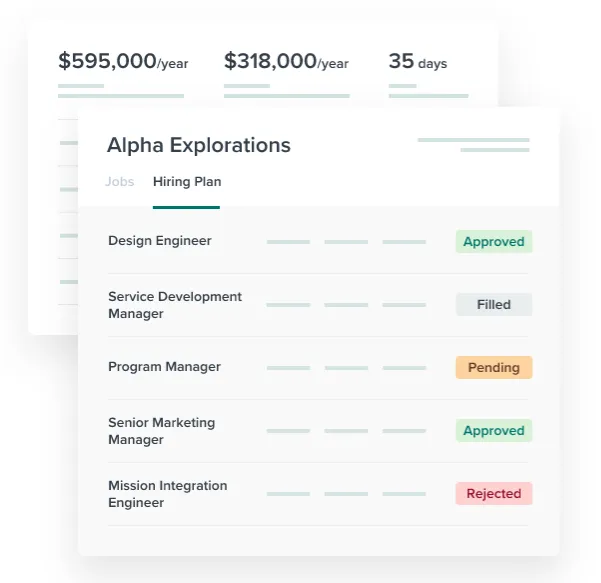
A recruitment app after our own hearts, Workable uses AI to recommend candidates based on your job listing. They also provide a real-time view of your application and hiring process, as well integrating with calendars and email for one-click interview scheduling.

Greenhouse

Greenhouse, a potential recruitment tool for your HR tech stack

If recruitment analytics are your thing, Greenhouse might interest you. The platform enables you to view your application pipeline, analyse candidate surveys, evaluate your onboarding process and use that data to refine your approach. It also allows easy integration, ideal for building your custom tech stack.

2. A seamless onboarding tool

Pain point: Managing the paperwork and admin aspects of the onboarding process efficiently and in one place, while ensuring employees are engaged. Connecting with recruitment and learning platforms might also be an issue.

How it can help: Onboarding is probably the area of building a HR tech stack with the most overlap. It follows on from your recruitment process and is intrinsically linked to learning and development. Typically you’ll see human resources information systems (HRIS) mentioned at this stage, because they combine employee paperwork, signatures and data in one place, however, there are platforms that do this and place a far greater emphasis on ensuring your onboarding process goes smoothly.

Tools to consider for your HR tech stack:

HROnboard

HROnboard could help with your employee onboarding

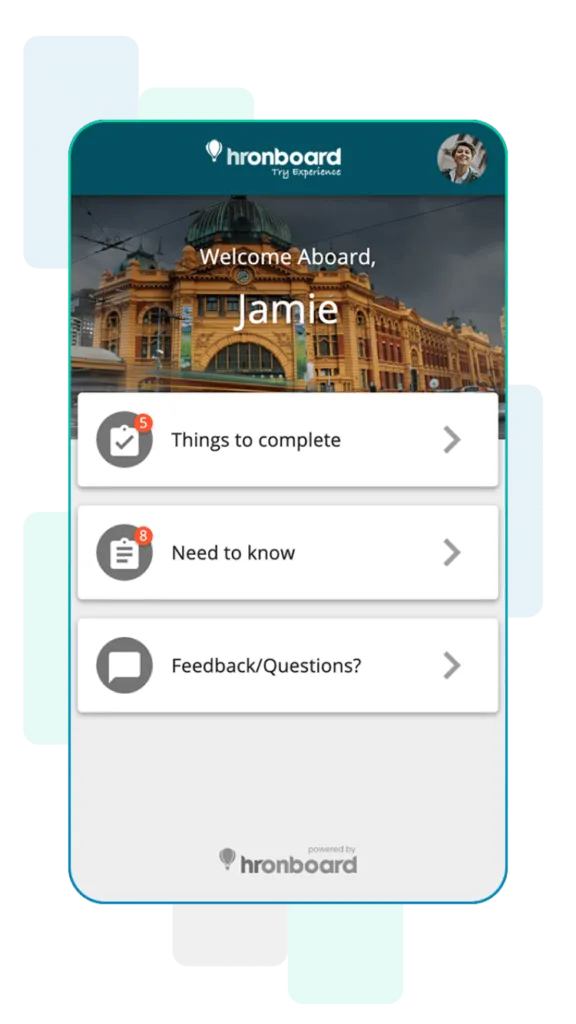
Designed to help HR pros, team leaders and employees, HROnboard automates the typical HR admin tasks and reminders to free up time, while providing prompts to engage new employees at the right time. It also creates structured onboarding that provides clarity on what needs to be completed, as well supporting crossboarding and offboarding.

Kissflow

Kissflow's dashboard for employee onboarding

‘Make onboarding memorable’ is the mission of Kissflow, which provides a paperless process and integrates with other HR tools to create a database for all employee documents and details. The platform uses checklists for employee tasks and provides automated notifications to keep them on track.

3. A helpful HR system that frees up time for people

Pain point: You need a centralised system for collecting, storing, and managing employee data, absences and payroll and more.

How it can help: HR systems not only allow you to collect all that important employee information, they’ll help you create detailed reports and charts to visualise it. Whether that’s for employee absence, turnover or something else altogether. Essentially it provides you with a record for each employee’s journey with the company, from the paperwork they complete ahead of time to their offboarding documents. From an employee perspective, they’re a hub for managing their holidays and accessing their files or documents on demand.

Tools to consider for your HR tech stack:

BambooHR

BambooHR could be the ideal HR tool for your tech stack

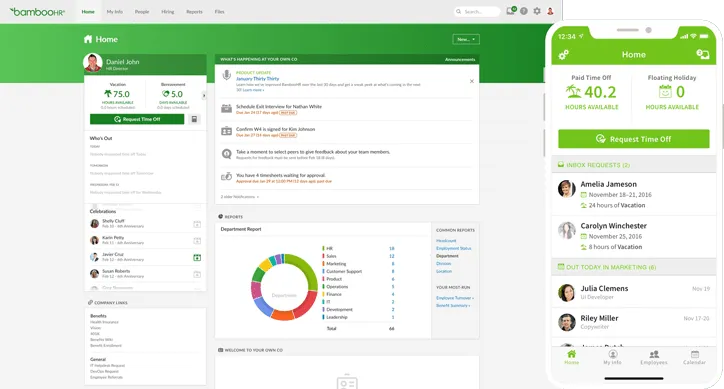
Designed to make the employee life cycle easier to manage, BambooHR focuses on four key areas: hiring, onboarding, compensation and culture. At each stage, they aim to save you time that you can invest into the more pressing area of HR – your people. During onboarding, for example, you’ll have access to automated preboarding and onboarding tools, and when shaping your culture, “the latest tools for measuring engagement [to] help you champion culture and drive organisational growth”. From a performance management perspective, having something like this in place will remove the friction and barriers you might otherwise encounter.2

HiBob

HiBob, helping you manage your people.

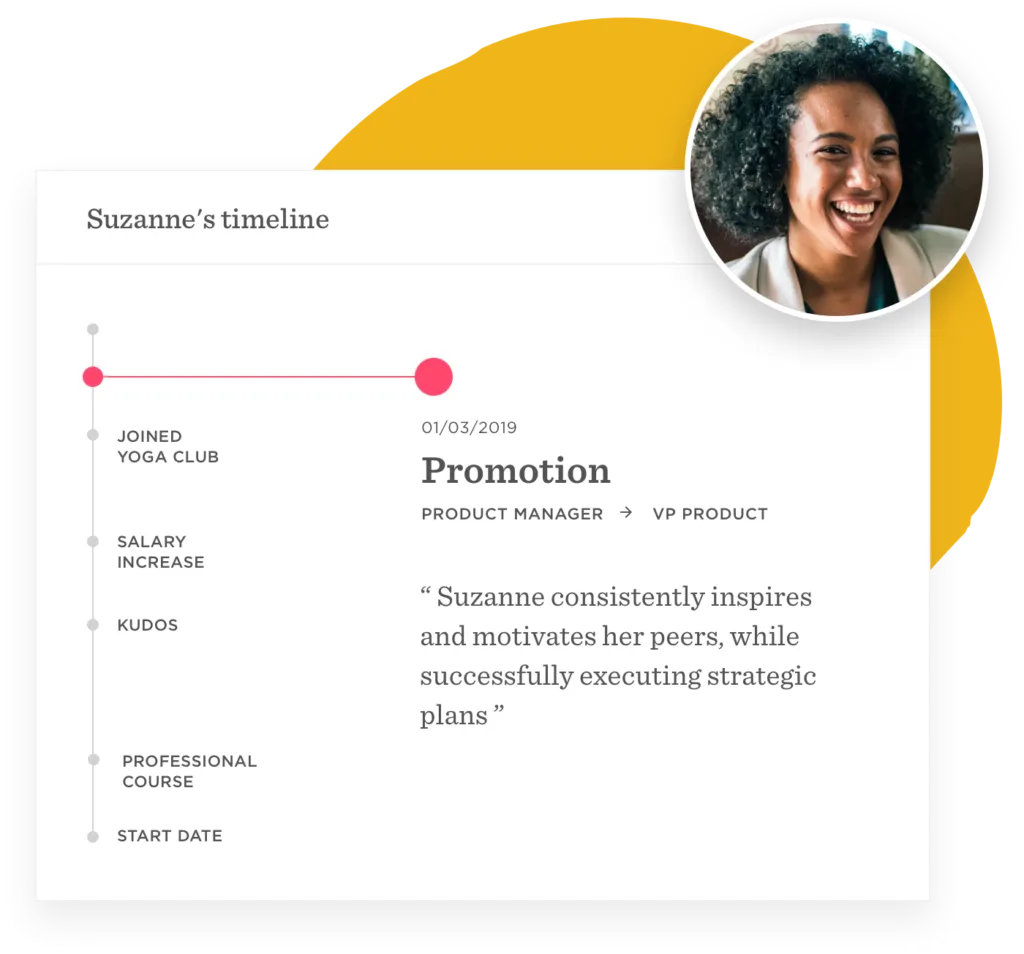
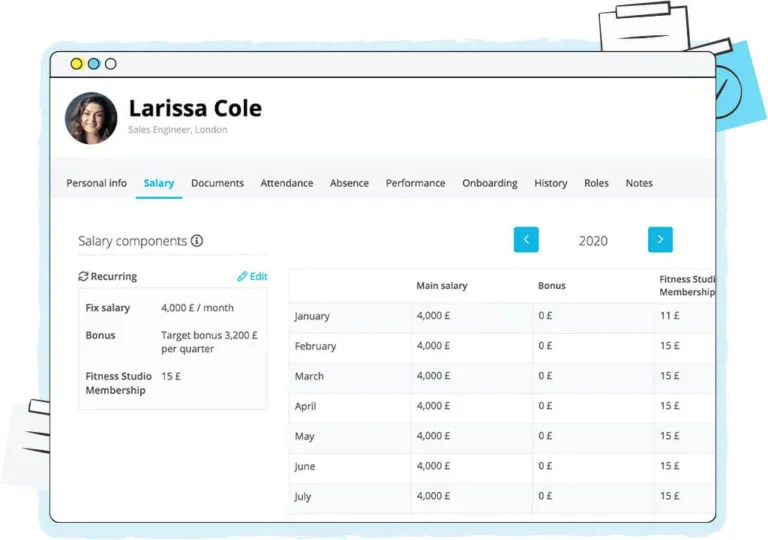
It takes less than a minute on HiBob’s website to understand their passion for creating engaging company cultures. From first-day welcomes that connect you with the rest of the team, to employee timelines that let you track their journey and growth. Culture aside, they provide everything you’d expect, including the core HR requirements and time and talent management tools.

Personio

Could Personio help you manage people and be useful in your HR tech stack?

“One Platform for All Your HR Processes”, Personio is where your people data meets the workflow. At the heart of its product is the goal to simplify your core HR tasks to save you time that can be invested into transforming your HR data and improving day-to-day tasks or long-term strategy. If you’re a small or medium-sized business, Personio prides itself on delivering “fast time to value” for companies of your size.

Workday

Is Workday the right tool for your HR tech stack?

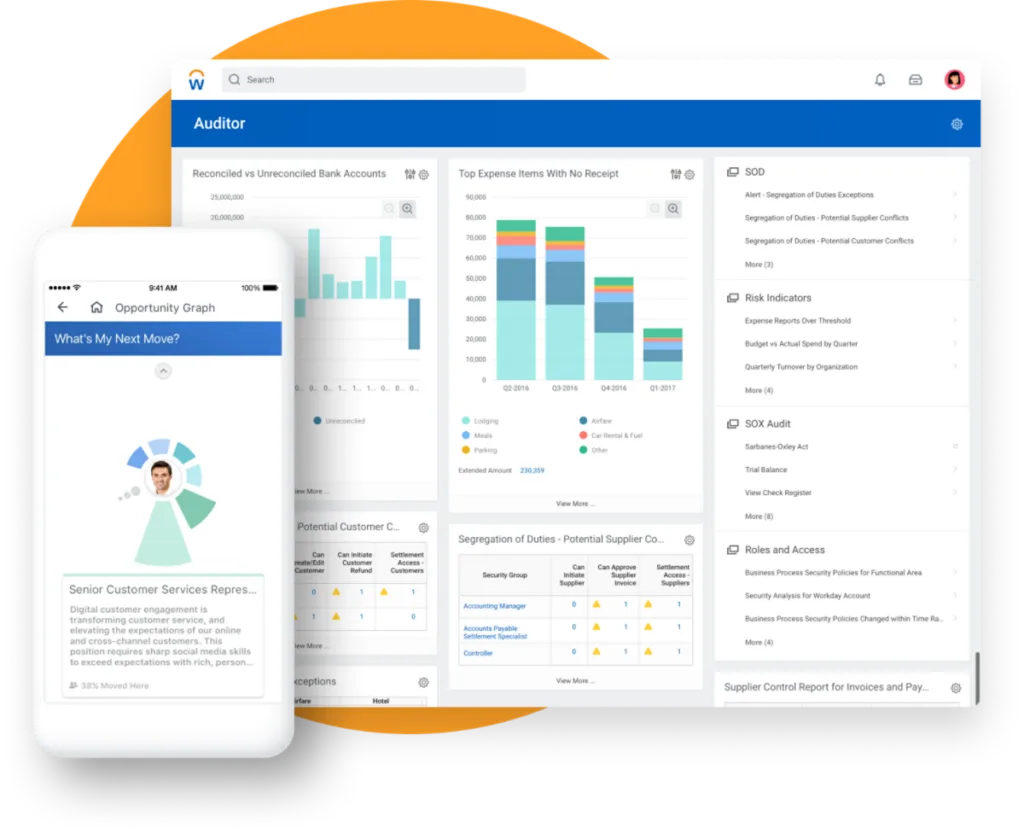
Workday, on the other hand, aims to be the platform that delivers “big results for enterprises of every size”, by giving you insights into your business and the agility to adapt when necessary. Pitching itself as an enterprise resource planning (ERP) system, it brings together finance, HR and planning. By combining everything into one suite, they enable you to make informed decisions based on your people and financial data.

4. Accurate and intuitive payroll that ensure people get paid on time

Pain point: Your payroll process is time-consuming and the manual nature of tasks opens the door to possible human error. From an employee perspective, they can’t afford for you to get this wrong and this can have implications for engagement and productivity.

How it can help: Finding the right platform enables you to automate parts of your payroll operation, ensuring accuracy, saving time and providing analytics on your payment process. The move towards cloud-based payroll management has created the expectation for digital payslips, which smart platforms can automate based on set rules and employee attendance data.

Tools to consider for your HR tech stack:

QuickBooks

QuickBooks intuitive dashboard for managing payroll

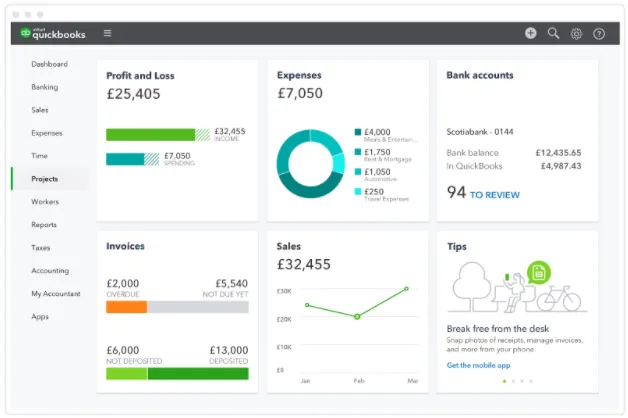
If you’re looking to manage your payroll in one interface, QuickBooks enables you to manage overtime and bonus payments, PAYE, NI and pension contributions. Manageable across devices, this platform makes it possible everywhere—you could literally manage payrolls while you’re paying for rolls!

Payscale

Manage payroll through Payscale

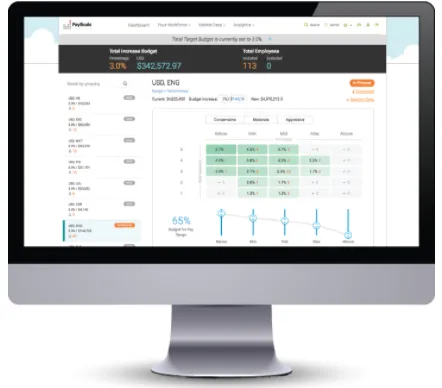
While we’re talking about smart approaches to payments, Payscale’s Insight Lab is the forward-thinking tool that can help you get your salaries right by benchmarking your wages. Not only does it “leverage fresh-skill based data to pay competitively” but it enables you to collaborate with everyone involved in the compensation process to ensure team decisions are made.

Paylocity

Could Paylocity be the right payroll tool for your HR tech stack

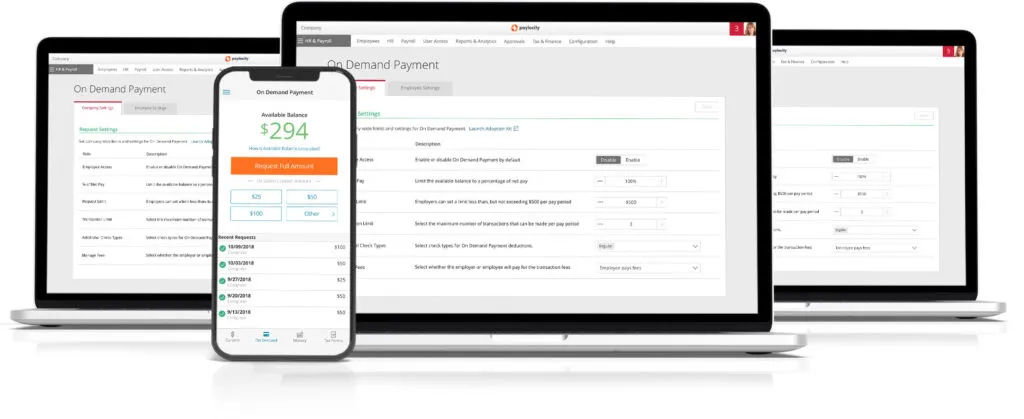
If you’re looking for a tool that’s challenging the payroll norms, look no further than Paylocity. Their On Demand Payment tool allows employees to “access a portion of earned wages before their scheduled payday, quickly, and without disrupting your payroll process with extra paperwork.”

They’ll also help end your spreadsheet headaches by automatically pulling in approved expenses and enabling you to add them directly to your employee’s next paycheck, all in their platform.

5. Attractive and accessible employee benefits that make sense for a post-pandemic world

Pain point: Finding and accessing benefits is difficult for employees, who might not be receiving relevant or personalised perks.

How it can help: We mentioned that it’s important for your HR tools talk to each other, and benefits are a great example of this. They can influence employee engagement, productivity and general outlook. Perks and discounts are great ways of letting your people know they’re valued, but platforms that add barriers to benefits prevent them from finding the rewards.

Plenty of employee benefits platforms and wider HR software create personalised employee incentives based on their preferences, displayed in an easy-to-use interface and integrated with other tech. Given the fact many people will access and use their benefits on the go, platforms with effective mobile apps should be key to your plans.

Tools to consider for your HR tech stack:

Happypeople

Manage employee benefits through Happypeople

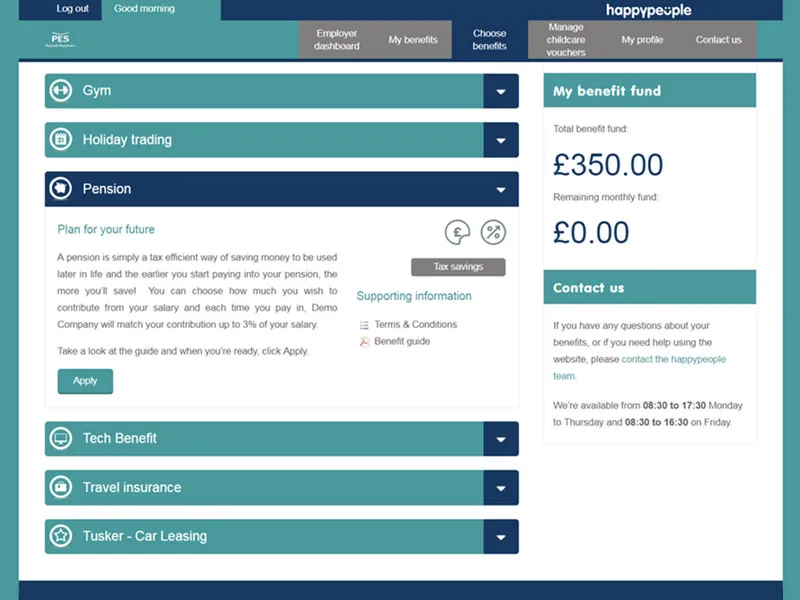
Happypeople from PES makes finding benefits easy, by displaying all active options and providing guides to each. Employee profiles can be updated with preferences and life events, to ensure that they get a better experience in the platform.

6. Employee mental health and wellbeing support that focuses on your employee

Pain point: “39% of employees report experiencing poor mental health symptoms related to work in the last year.” and yet “41% of employees experiencing a mental health problem reported that there had been no resulting changes or actions taken in the workplace” (source: Business In The Community)

How it can help: The same study highlighted that just 51% of employees feel comfortable talking about at work, and equipping them with a platform or app to help combat this can benefit their wellbeing. From an employer perspective, it can also help with engagement, absence rates and productivity levels. And if employees aren’t comfortable talking directly or don’t get the chance with remote working, an app or platform could remove that discomfort – hence why they’re so useful for your HR tech stack in a post-pandemic world.

Tools to consider for your HR tech stack:

Wellspace

Help track and improve employee mental health with Wellspace

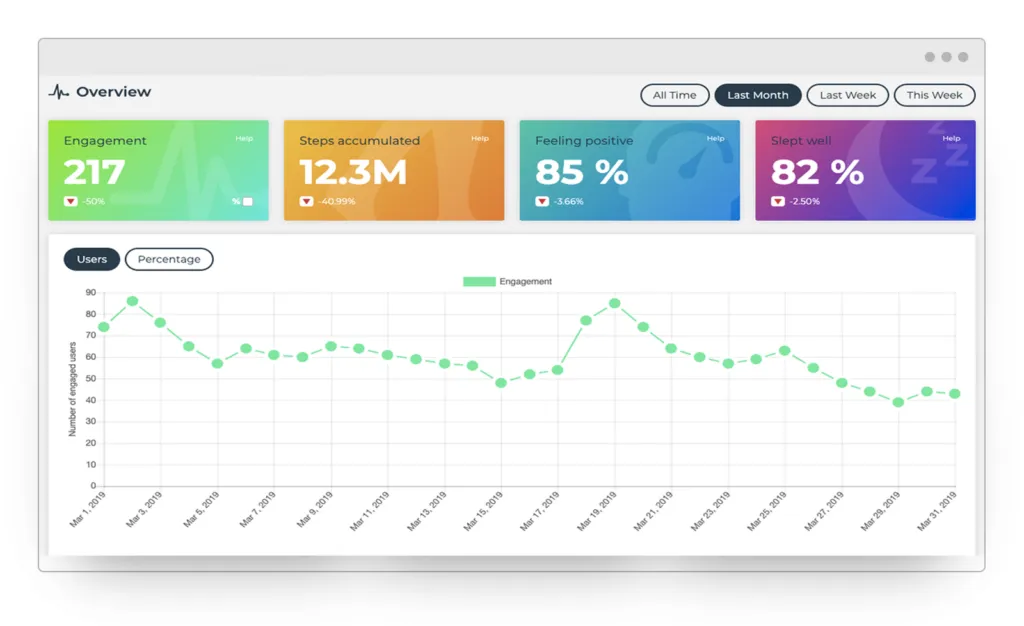
Wellspace is leading the way in wellbeing HR tools, on a bold “mission to revolutionise workplace wellbeing” through an app and online portal that focuses on physical and mental health. Set personalised targets for employees and enable them track sleep, activity and mental wellbeing in a format that provides detailed analytics.

Daylio

Measure employee mental health in your HR tech stack through Daylio

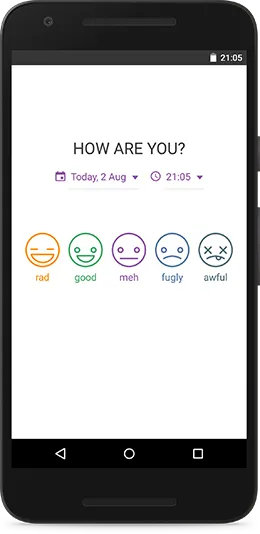
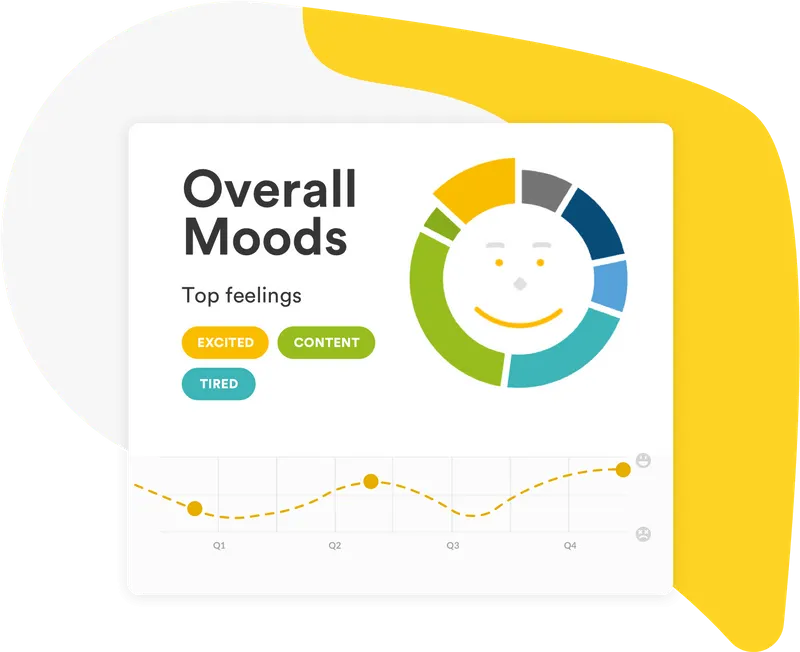
Daylio is a great option for those who do find it difficult to talk about mental health, because it’s as simple as picking your mood and the day’s activities in a private diary. This enables employees to notice patterns in their moods and times when the bad days are outweighing the good, hence why it’s such a useful addition to your tech stack.

Unmind

Unmind measures employee moods to help you monitor mental health

While Unmind keeps individual employee mental health diaries confidential, it provides aggregated and anonymous data to your organisation to improve decision making. They also offer resources to help your people improve their mental health, through bite-sized audio, video, and interactive content.  

7. A learning platform that empowers people to learn what matters, when it matters

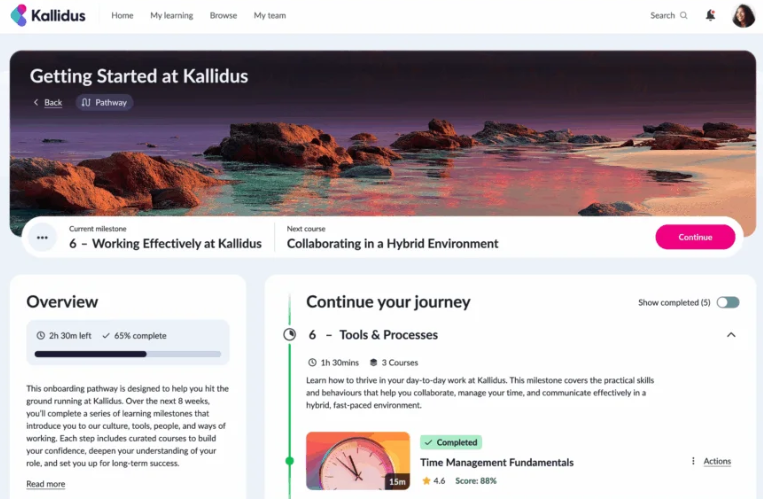
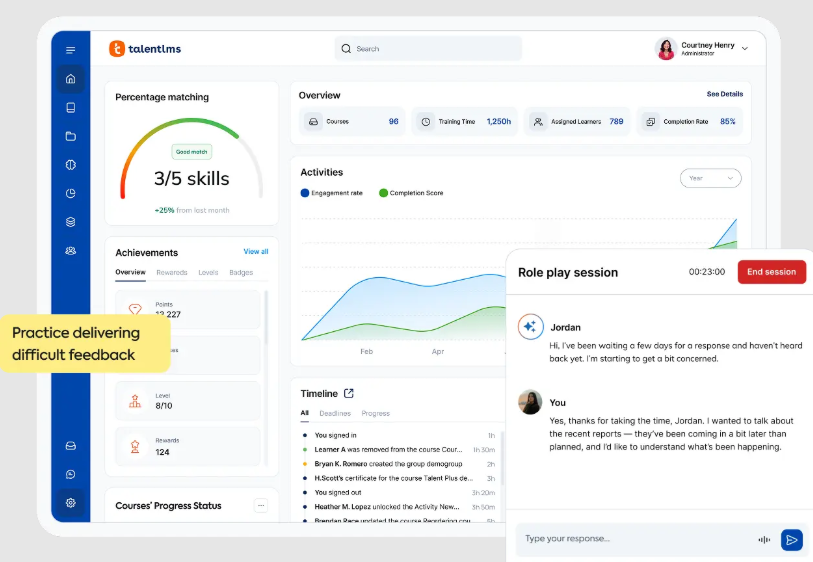
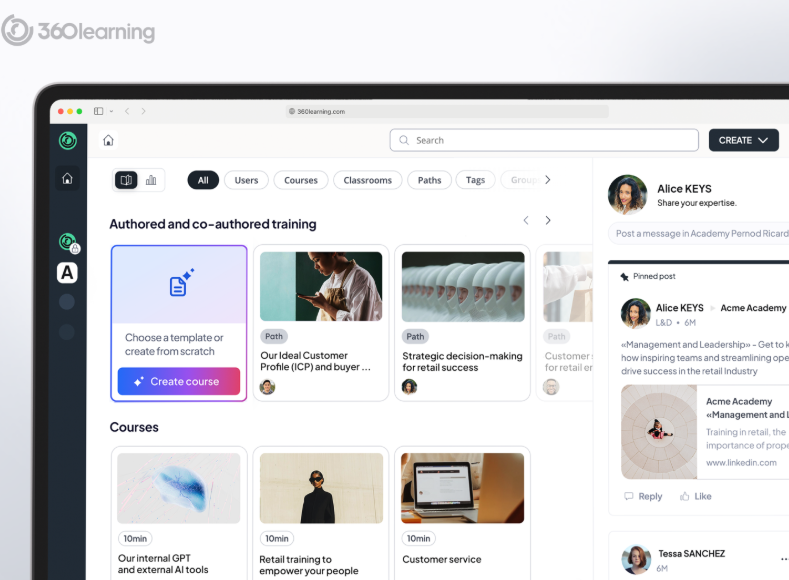
Pain point: Your learning resources are scattered across apps and platforms, preventing your learners from accessing them in the workflow and at the speed of work. Your learning management system (LMS) doesn’t allow you to create personalised learning pathways and measures completion of courses, not the skills developed.

How it can help: A learning platform helps you put an end to all of that siloed knowledge, creating a centralised content library that incorporates curated content and co-operates with your other tools and apps. It also provides better insights, allowing you to personalise learning and assess usage analytics.

Tools to consider for your HR tech stack:

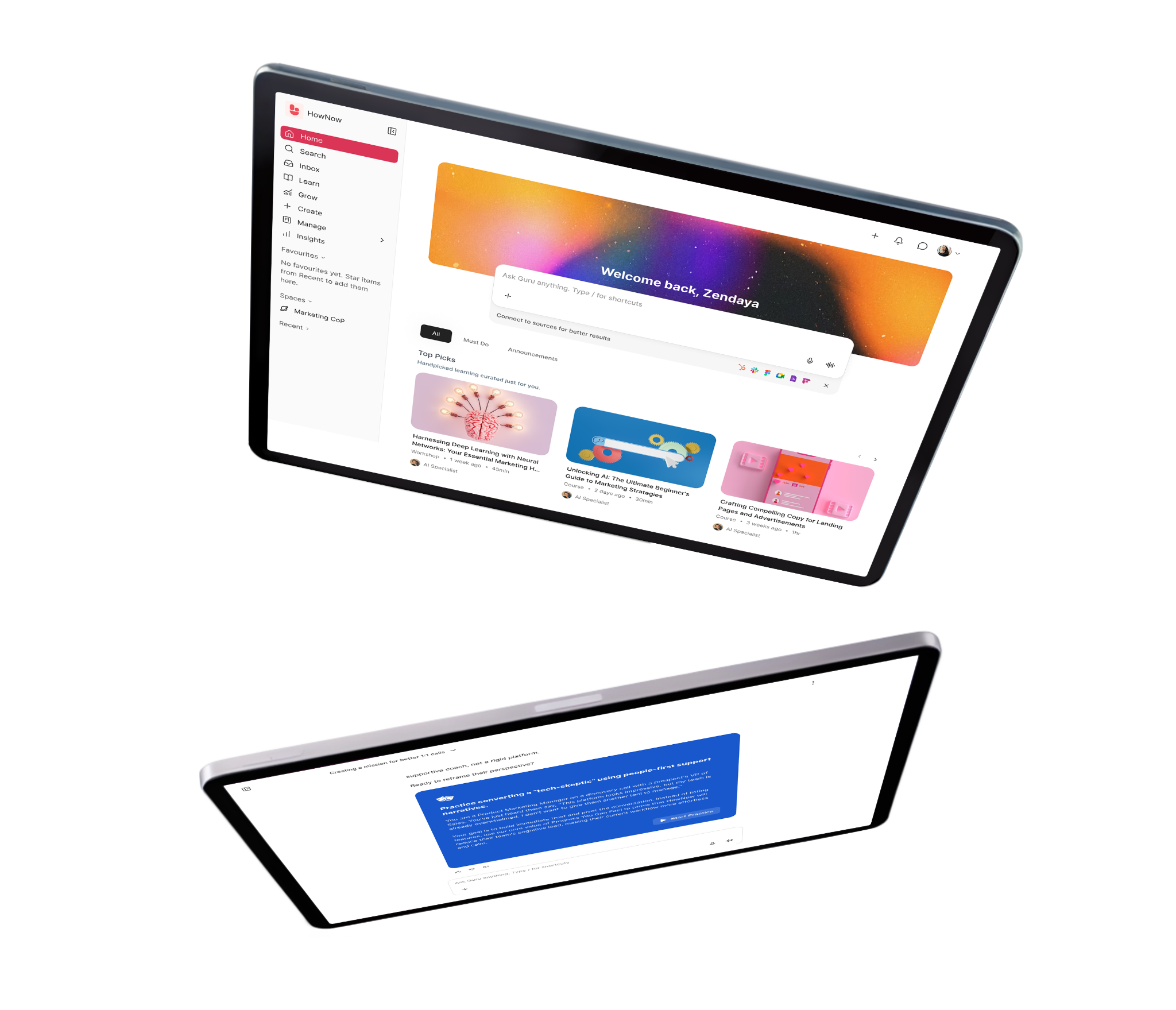
HowNow

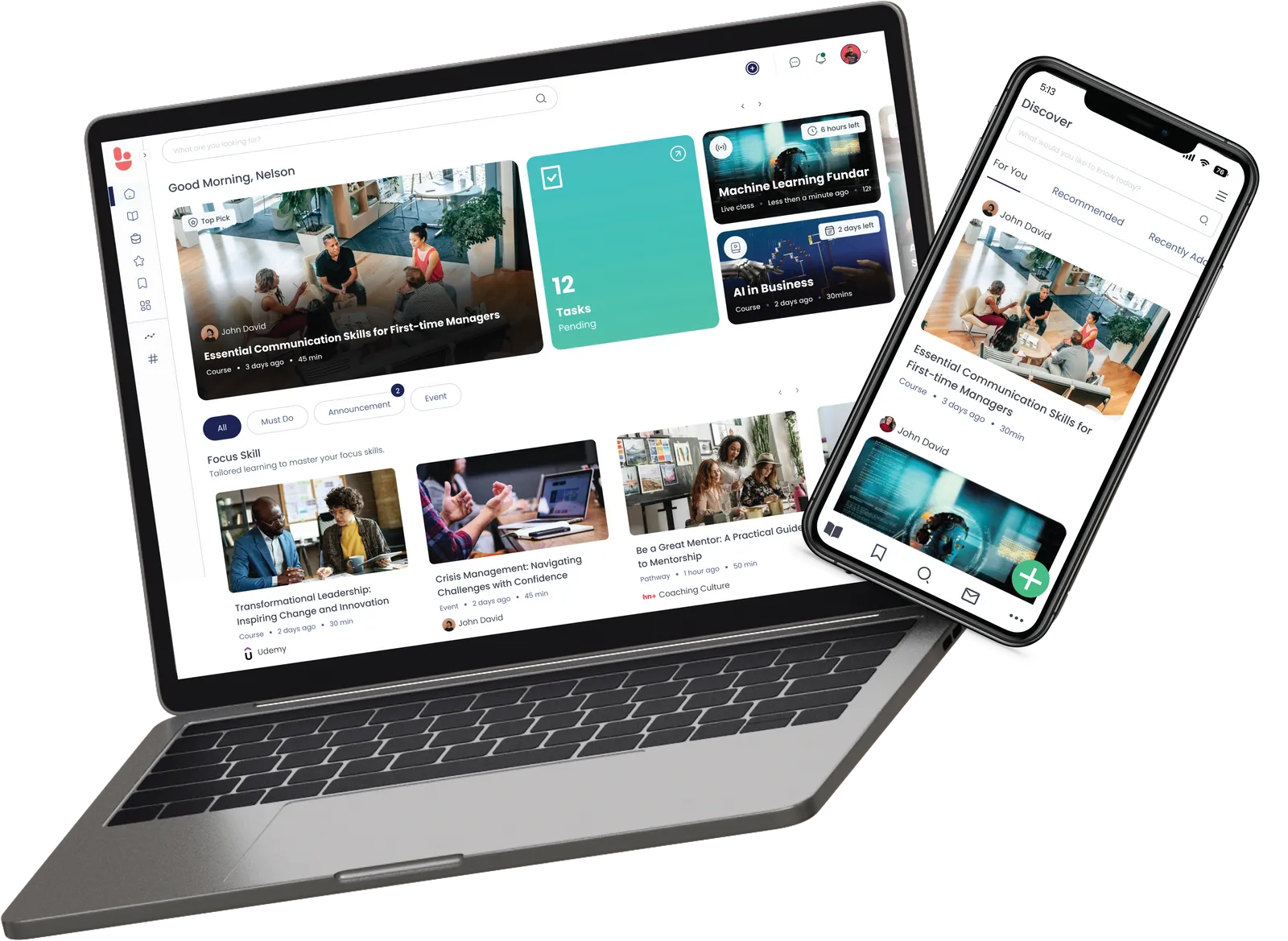
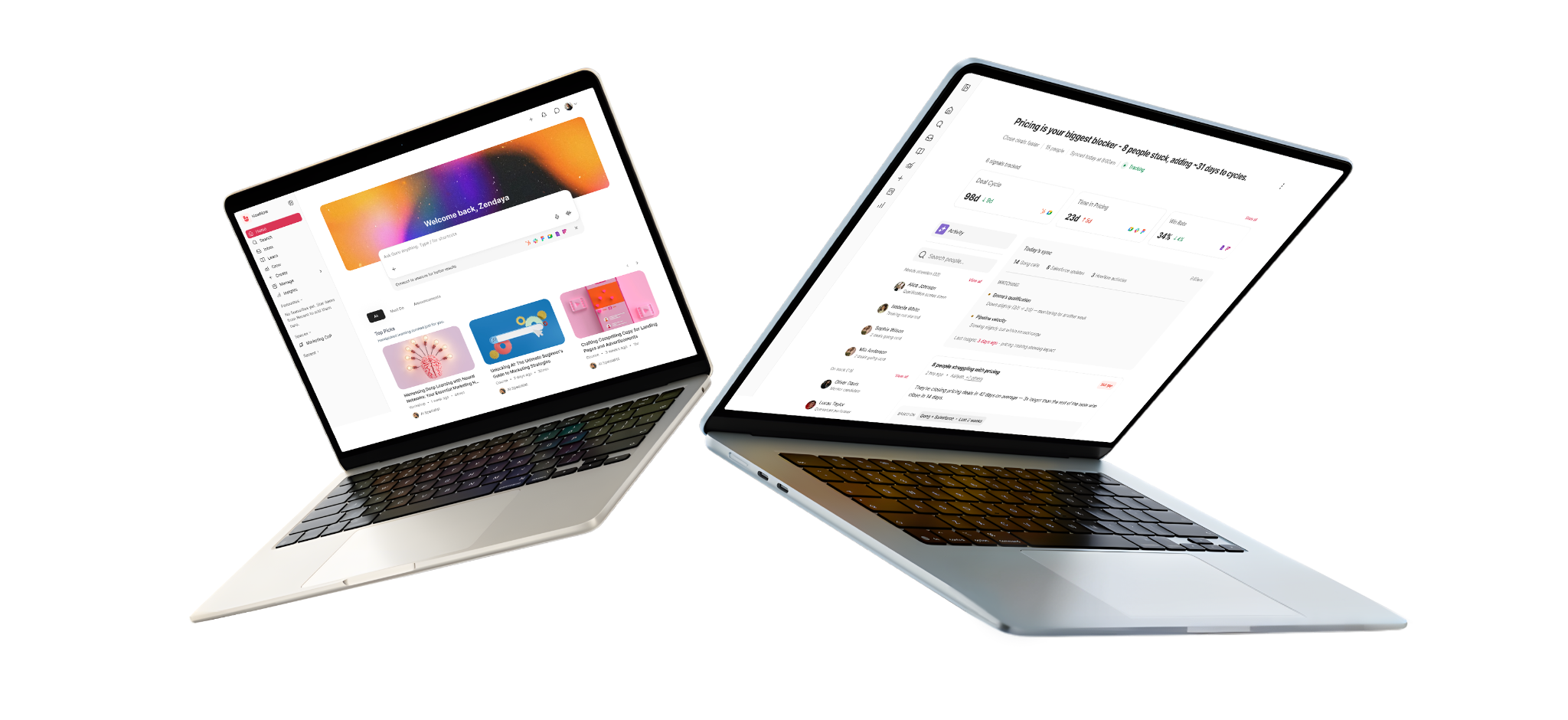
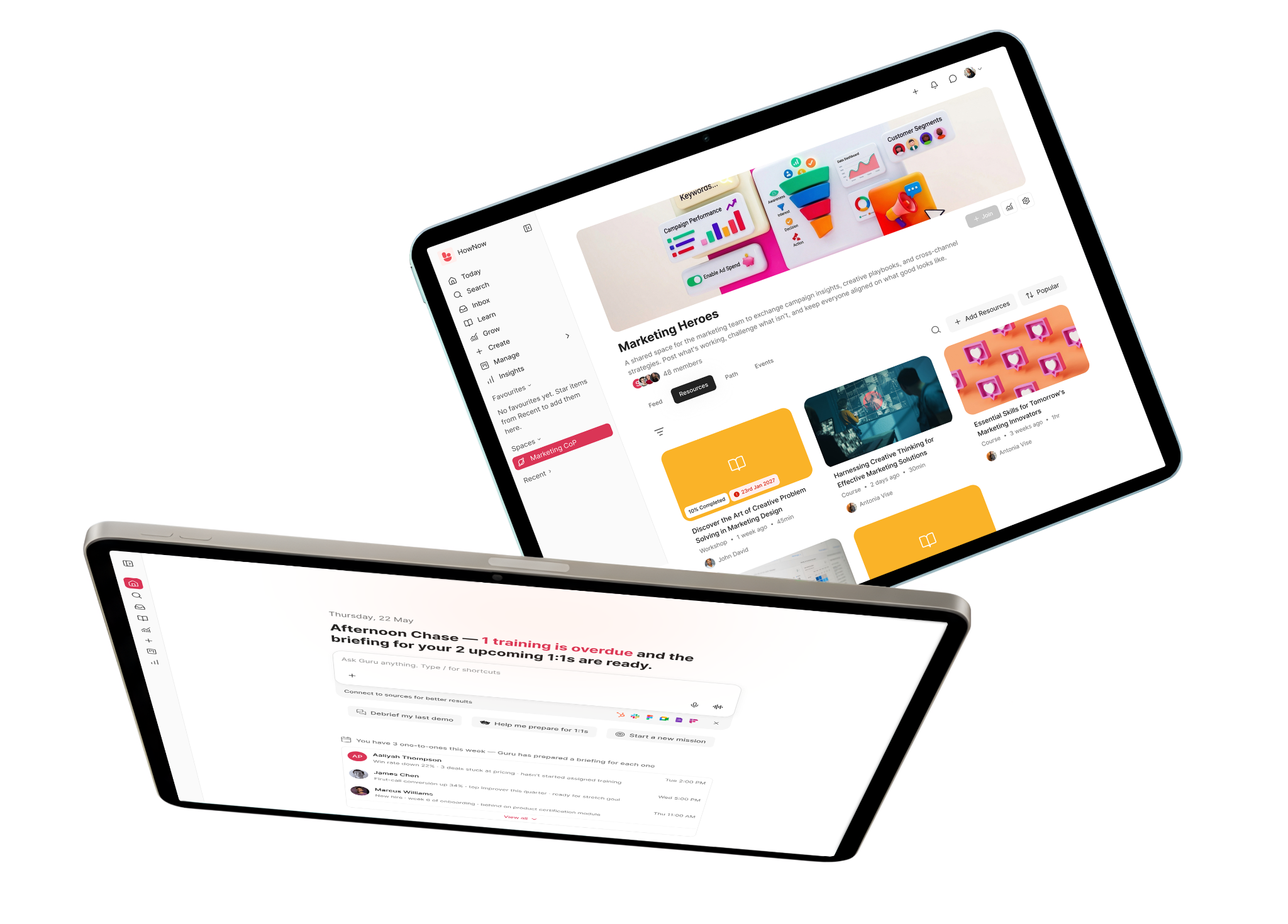
HowNow is the intelligent learning platform your HR tech stack needs

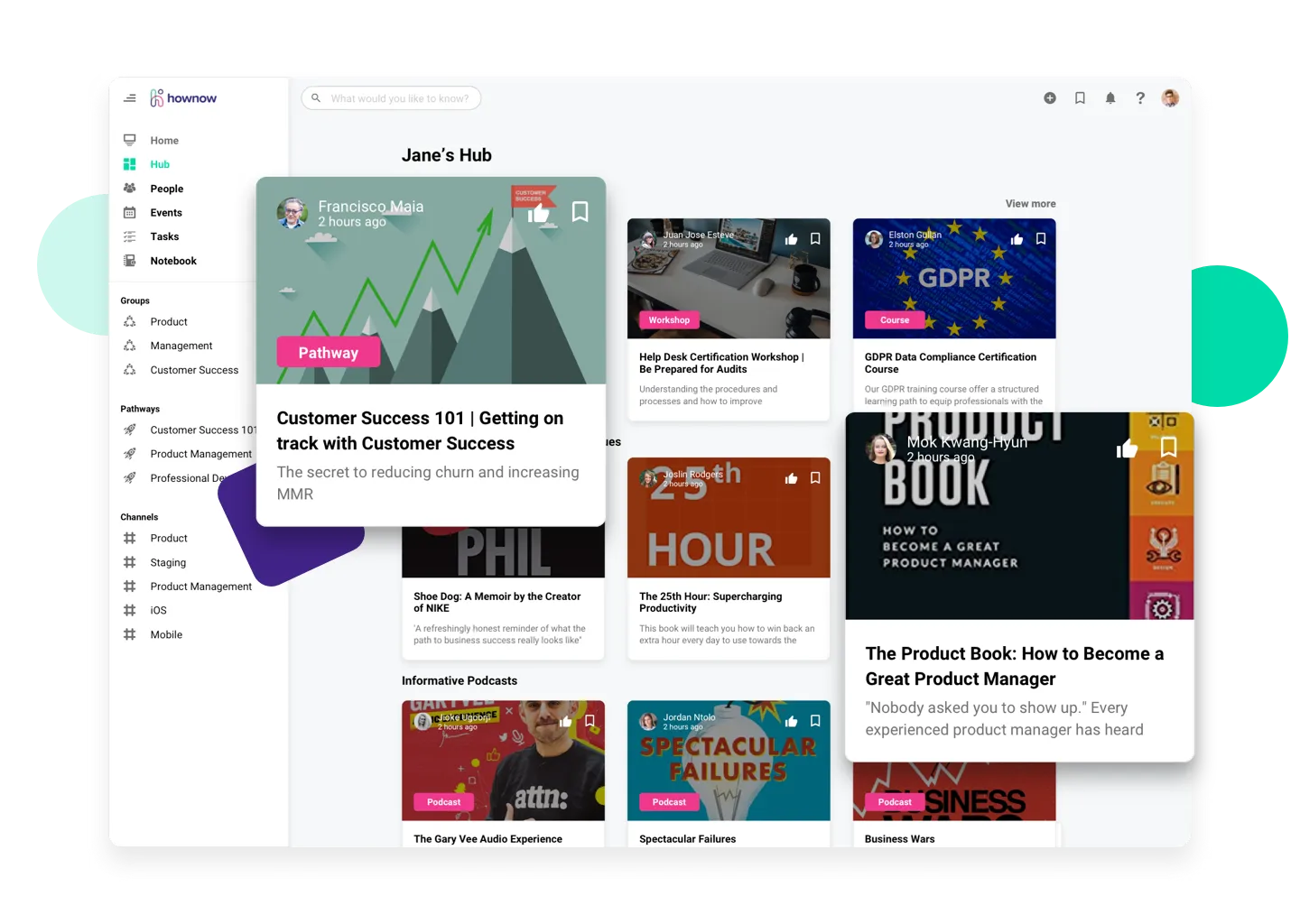
You can’t underestimate the power of personalised learning in creating better employee experiences! In HowNow, we use artificial intelligence (AI) to recommend content that’s relevant to the skills your people want to develop and their topics of interest. You can even tell us your preferred content providers and we’ll surface their videos, articles and podcasts to your learners.

Having access to all that content is great but it being limited to your learning platform, not so much. That’s why we integrate with the apps and software you’re already using, to make content searchable anywhere and allow people to share knowledge in the workflow. This is how you create a continuous learning culture and why we’d love to be a part of your tech stack!

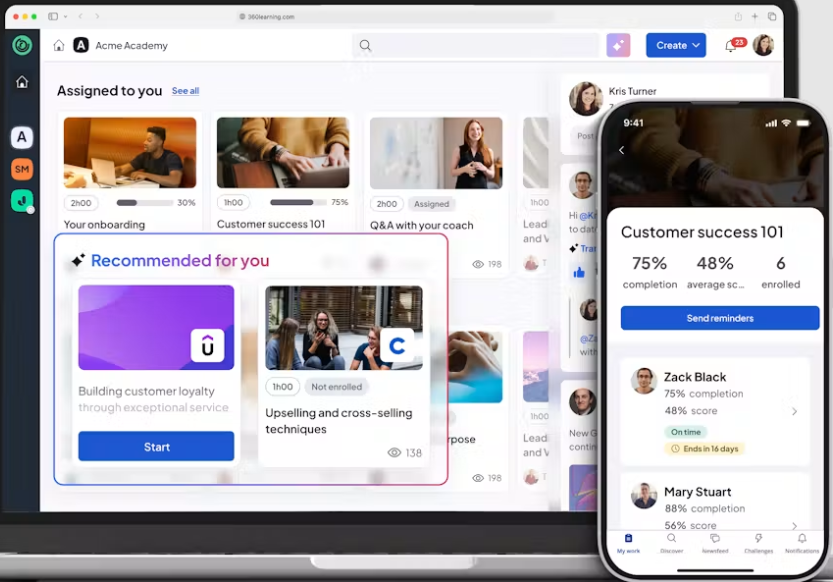
Docebo

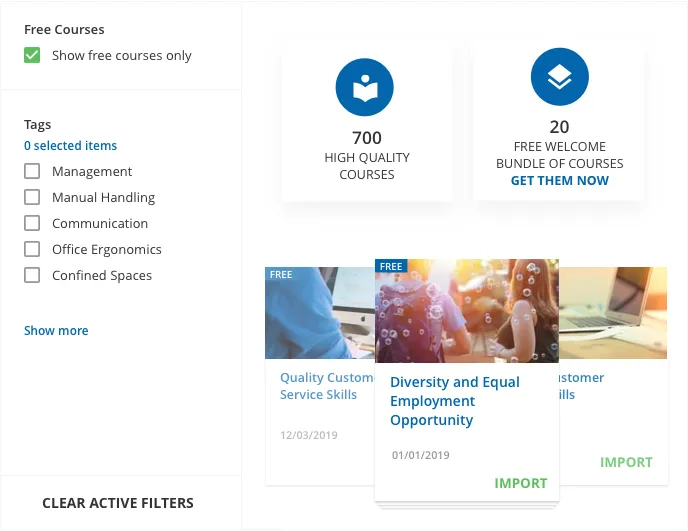
Docebo learning management system

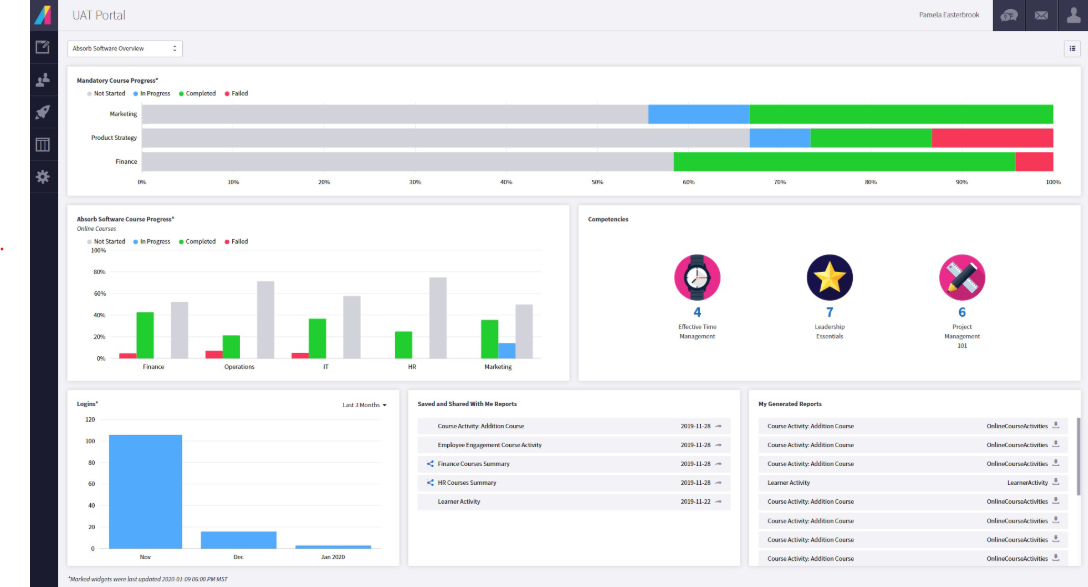
Docebo brings AI to the LMS world, to create an element of personalised content and social learning. However, the platform faces the limitations of the traditional LMS, in particular, the idea that people are simply assigned courses – an impression you get from a course-heavy homepage. Remember, it can be as simple as connecting someone to one resource or a colleague’s insight that helps them learn a skill. If it’s more complex, then a personalised learning pathway is often more useful than a pre-existing course. But, when standard courses are the focus of your learning strategy, it makes learning in the flow of work more difficult.

Having said that, the platform does offer a Q&A function that connects people to business experts, however, that knowledge can only be found at the speed at which it takes the expert to respond.

Despite bringing AI to the LMS world and elements of personalised content/social learning, Docebo faces some traditional LMS limitations. In particular, the idea that people are simply assigned courses—an impression you get from a course-heavy homepage. Sometimes, it’s as simple as connecting someone to one resource or a colleague’s insight. If it’s more complex, then a personalised learning pathway is often more useful than a pre-existing course. But, when standard courses are the focus of your learning strategy, learning in the flow of work is more difficult.

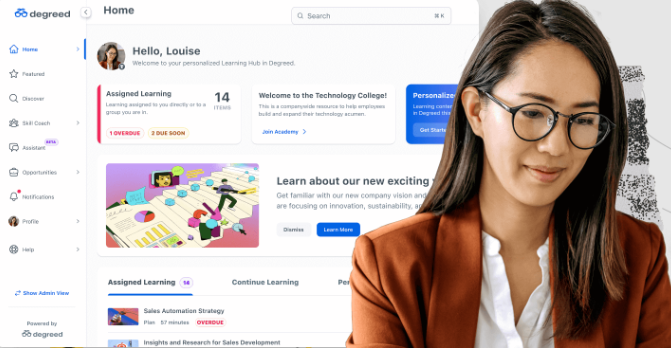
Degreed

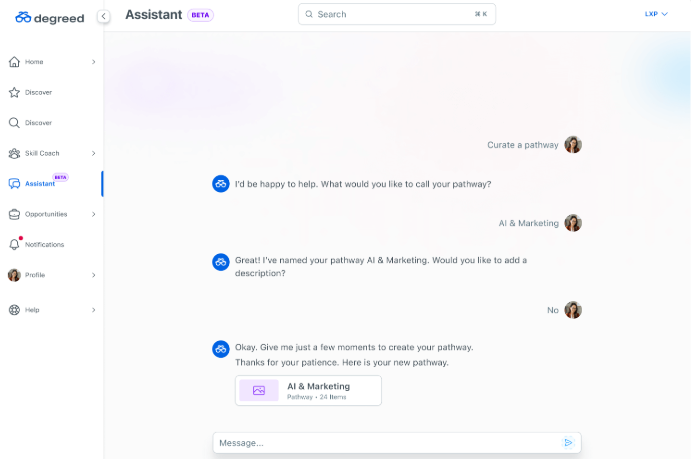
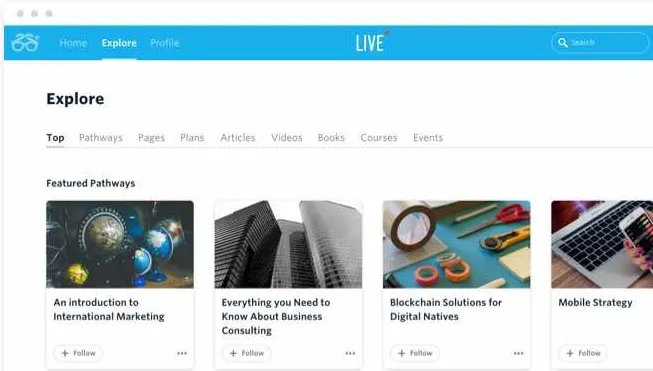
Degreed learning platform

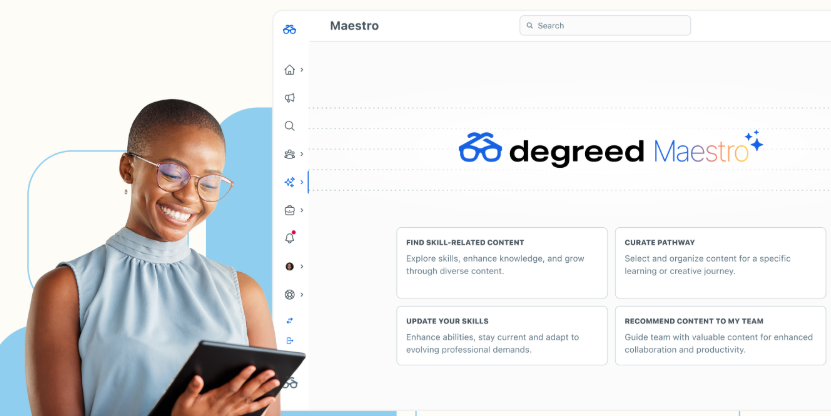
Designed to make you more productive, responsive and impactful, Degreed provides actionable insights on what people are learning and the skills they’re developing. However, you often have to leave the tools you’re already using to access those learnings in Degreed. There’s a learning portal feel to the platform, with lesser integration capabilities than competitors meaning it’s difficult to learn in the flow of work. Degreed does use machine learning to personalise the learning experience, but cards are very much kept close to the chest on their website, so how they do this is a slight enigma.

8. Employee engagement software that provides actionable insights and data

Pain point: You need a better platform for collecting and analysing employee feedback and engagement levels, to ensure that turnover rates are managed, the effectiveness of training is understood and you’re able to gauge motivation levels.

How it can help: By using an employee engagement platform, employers can request feedback at regular and specified intervals, analyse the responses, and use the data to set goals around improving engagement levels. Some platforms can also be used to give praise and recognition through gamification.  

Tools to consider for your HR tech stack:

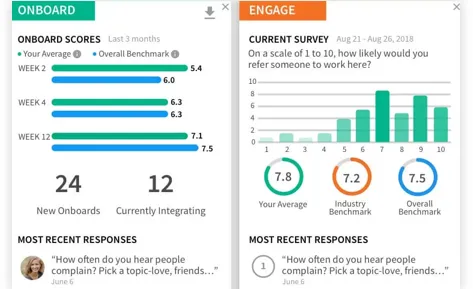
15Five

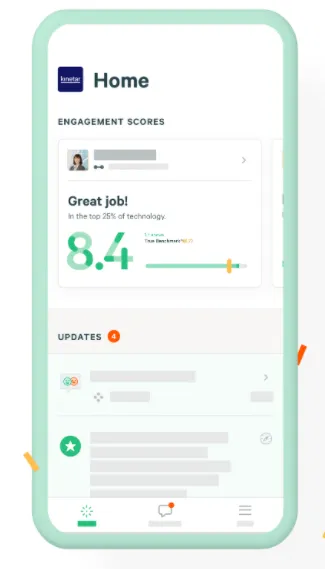
15Five could help you measure your employee engagement levels

If understanding your people and recognising key contributors is high on your HR list, you might want to look at 15Five. Their High Five feature is an easy way of giving praise and spotting high performers in your team, plus their online check-in feature enables staff to share their achievements and obstacles. With a mobile app and integrations with other platforms, this is all possible on the go.  

TINYpulse

Gauge how engaged your employees are by adding a tool like TINYpulse to your HR tech stack

A quick scan of TINYpulse’s website and you get the impression that developing leaders is equally as important as understanding employee engagement. Insights are delivered in straightforward dashboard’s that make understanding pain points and positives much easier for leaders.

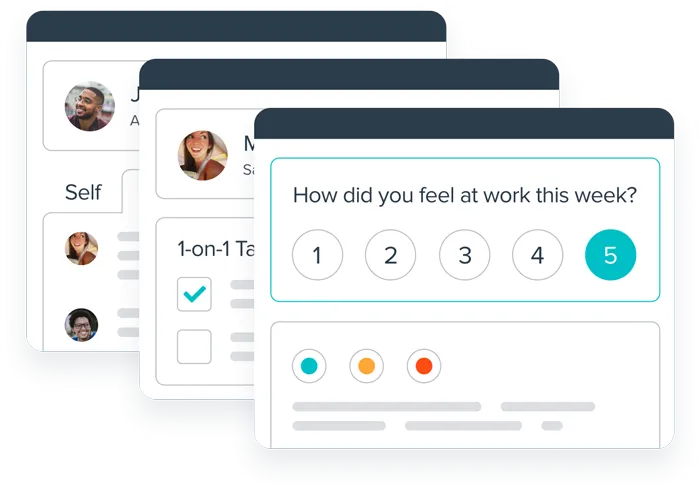
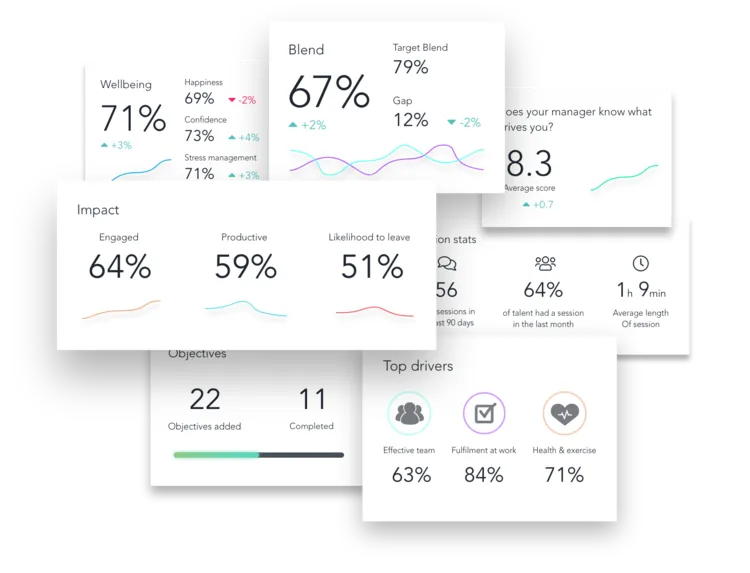
OpenBlend

OpenBlend measures how engaged your employees are

There is often overlap between performance management and employee engagement, but the former is typically considered as assessment and the latter as listening to people. OpenBlend broaches the two areas, by creating a “people centric approach to performance management” and platform that facilitates meaningful one-to-ones. Established coaching frameworks meet the technology to understand people and reconnect them to the workplace.

9. People analytics that ensure you’re acting on evidence

Pain point: The more people you manage, the more people data you’ll have—which can be daunting for HR teams to study and act upon. And when you think of performance management sitting under L&D or HR’s wing, you really need to understand how people work, learn and perform.

How it can help: People or HR analytics are designed to study your employee data and provide actionable insights. You can understand your hiring processes, employee capabilities, managers, compensation and more. Think of it as a layer on top of your HR systems that creates transparency and democratises data by making it available across your company.

Tools to consider for your HR tech stack:

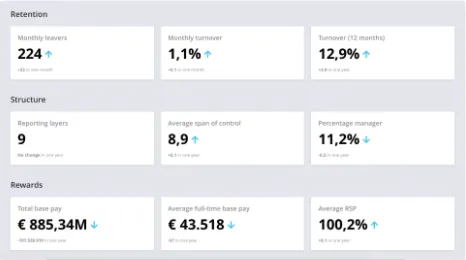
Crunchr

Use Crunchr for easy people analytics dashboards

As we’ve mentioned, lots of HR tools will tick multiple boxes and analytics is something that you’ll find on many. Crunchr Workforce and Stories both allow you to upload information from multiple sources and visualise workforce data in dashboards you can filter.  Giving you the power to understand the full employee journey, from when they join to when they leave.

Peakon

There’s no better data on your people than their feedback, and this is what Peakon uses to improve employee engagement, productivity and how you use insights to inform your decisions. Beyond the usual email and text surveys, their Kiosk feature provides employees with a unique code to complete the questions – ideal for capturing employees that might not have a business email address. Intelligent benchmarking and text analysis help you identify common issues, providing real-time dashboards that inform your training for those immediate concerns. As you might have noticed from the employee engagement section, there are similarities and overlap with the likes of 15Five and TINYpulse.

Culture Amp

Manage your people analytics through Culture Amp

A people and culture platform, Culture Amp helps you understand the full employee experience, from engagement to performance. Continuous learning technology keeps you up-to-date with employee sentiment and delivers ongoing feedback. Their dashboards also flag the areas that are working well and those that aren’t, empowering you to respond quickly to real-time challenges.

Download PDF version of 9 tools for a winning HR tech stack

9 tools for a winning HR tech stack

Get your PDF version of 9 tools for a winning HR tech stack

Want a 5x better engagement than a traditional LMS
Demo Hownow

Be in the know

More articles

Overview: Based on reviews from learning platform users, Sana Learn is praised for its intuitive interface, easy adoption, engaging interactive content, and AI-powered tools that can speed up content creation and discovery. Customers consistently highlight smooth onboarding, responsive support, and useful integrations with email, calendar, and collaboration tools. However, recurring limitations emerge around content flexibility, AI accuracy, occasional technical glitches, UI quirks, and gaps in admin training, which can create friction as teams scale their learning programs. While Sana Learn works well for organisations seeking fast rollout and straightforward learner engagement, teams needing more customization, reliable AI, and robust integrations may want to explore alternative platforms and see how they compare in practice.


When you're evaluating learning platforms, everyone has an opinion. Vendors have feature pages. Review sites have listicles. And everyone claims to be the best AI-powered LMS on the market.

What nobody tells you is what it's actually like six months in.

Sana Learn (part of Sana Labs), an AI company founded in 2016 in Stockholm, will likely show up early in your research. It's well-funded, well-marketed and has built a genuine reputation in the AI learning space.

But reputation and reality don't always match. And the people best placed to tell you the difference aren't the sales team. They're the L&D leaders, admins and learners who use it every day.

To help you, you’ve analysed 50+ real customer reviews so you don't have to. Not to cherry-pick the bad bits but to find the patterns that will help you make informed decisions. The things that come up again and again once the implementation is done and the day-to-day reality sets in.

Because when you're making a buying decision that affects your entire workforce, what matters isn't which platform has the best copy or demo. It's which one that will help you build and engage your workforce to proactively build the skills your business needs to grow.

Where Sana Learn does well.

One thing becomes clear when you read through the customer reviews: Sana Learn is easy to like.

Users consistently describe the platform as intuitive, clean and simple to pick up. There's very little friction in getting started which, if you've ever tried rolling out a new learning platform to a sceptical workforce, you'll know is no small thing.

That ease extends to implementation. Several reviewers highlight how seamless the setup felt, with teams barely noticing the transition. For organisations without the time or appetite for a heavy rollout, that's a meaningful advantage.

AI is another area where Sana Learn gets genuine praise. Users point to how quickly they can generate content, surface answers and navigate learning materials with AI woven throughout the experience. When it works, it removes friction from the content creation process in a way that L&D teams with limited resources will appreciate.

The learning experience itself also lands well. Interactive modules, clickable elements and embedded content make it easier to engage with topics that would otherwise feel dry. Learners aren't just clicking through slides; they're actually interacting with material.

Put simply: Sana Learn is a platform that's genuinely easy to adopt and easy to engage with. For teams prioritising simplicity and fast time-to-value, that counts for a lot.

What are the limitations of Sana Learn?

Once you move past first impressions, the reviews become more nuanced; and more useful.

A recurring theme is that while Sana Learn is easy to use, it can feel limiting when you try to do more with it.

Several users point to a lack of flexibility in content creation. Editing options are described as restrictive, with one reviewer putting it plainly:

"Tables are a bit clunky and hard to edit… [there's not] much freedom when it comes to text & layout."

Others mention having to rely on external tools to get the output they actually need:

"Many features are unavailable and have to be done outside of the platform using third-party providers."

For L&D teams trying to scale content production or tailor learning experiences more precisely, that's where friction starts to add up.

There's also a subtle but telling critique around product direction. One reviewer notes that the platform sometimes prioritises:

"attention-grabbing features over more basic feature development."

That's the kind of comment that tends to surface when a platform is evolving quickly; but not always in the direction its users need most.

Is Sana Learn's AI reliable?

AI is one of Sana Learn's biggest selling points; but it's also one of its most inconsistent areas.

While some users are impressed by the speed and convenience, others highlight accuracy issues that slow them down rather than speed them up:

"There are times when the AI doesn't fully grasp what I'm asking for…"

"Sometimes the AI suggestions are not fully accurate, and it takes a bit of time to find the exact content I'm looking for."

That tension shows up across multiple reviews. The capability is there; but it's not always reliable enough to trust without sense-checking.

For L&D teams expecting AI to meaningfully reduce manual effort, that gap matters more than it might first appear.

What do Sana Learn users say about technical performance?

Another pattern across the reviews is the presence of ongoing, low-level technical friction. Not catastrophic failures; but enough to interrupt workflows when they matter most.

Users mention occasional platform freezing, performance lags when handling complex content and integration challenges, particularly around APIs. One reviewer sums it up plainly:

"The platform can be a bit glitchy at times…"

Others call out specific integration issues:

"Had some hiccups with [the] Bamboo integration API."

These aren't universal experiences; but they appear frequently enough to be worth factoring in, particularly for organisations running a broader HR and L&D tech stack where reliable integrations aren't optional.


What do Sana Learn users say about the interface?

Interestingly, even though usability is one of Sana Learn's most praised qualities, there are still consistent complaints about specific interface behaviours; particularly once users move beyond everyday tasks.

For example, one reviewer points out a frustrating content creation issue:

"When I'm creating a comment… and then pop over to another window, the comments I started typing disappear."

Others find the home screen experience overwhelming:

"The interface can appear a little overwhelming with all the videos visible when you enter the homescreen."

There are also mentions of difficulty navigating back to in-progress courses, and issues with live learning environments around audio and visual quality.

None of these are deal-breakers on their own. But together they create a sense of inconsistency; where the platform feels smooth in some moments and frustrating in others. For L&D teams managing large learner populations, those friction points tend to get amplified at scale.


What do Sana Learn users say about the learning experience?

Beyond the platform mechanics, some users point to limitations in how learning content is actually delivered.

Quiz functionality comes up more than once, particularly around rigid structures:

"When making a mistake… you have to click through the whole exam before being able to repeat."

Others mention repetitive questions and a lack of depth in supporting materials:

"Example videos are not very detailed enough."

There's also feedback around pacing; specifically that learners can move through content too quickly without meaningful controls in place to slow them down or check understanding along the way.

None of these are headline issues. But for L&D teams where learning effectiveness is the whole point, they're worth knowing about before you buy.


What do Sana Learn admins say about the platform experience?

While learners tend to find Sana Learn straightforward, the experience for admins and L&D teams is less consistently praised.

Some reviewers highlight a lack of guidance when it comes to more advanced features:

"Need more training on available features."

Others point to documentation that doesn't quite hit the mark:

"Videos are usually very short and articles can be text heavy."

This creates a meaningful disconnect. The platform feels simple on the surface; but getting the most out of it as an admin can require significantly more effort than the initial experience suggests. For L&D teams who need to move fast and can't afford a steep learning curve behind the scenes, that's worth factoring into your decision.


Should you be looking at Sana Learn alternatives?

That depends on what you need.

If your priority is fast rollout, strong initial engagement and a clean intuitive interface, Sana Learn clearly delivers. For teams that need something up and running quickly with minimal friction, it's a strong option.

But if you're thinking longer term; about scaling learning, tailoring content more precisely and integrating deeply into your wider HR and L&D tech stack, the limitations that surface across these reviews start to matter a great deal more.

The question isn't whether Sana Learn is a good platform. For many organisations, it is. The question is whether it's the right platform for where your organisation is going; not just where it is today.

Is HowNow a good Sana Learn alternative?

HowNow tends to come up for teams that want more than a clean learning interface.

Reviews give you a strong starting point but they won’t tell you how a platform fits your specific setup.

If you’re weighing up Sana Learn against alternatives, the most useful next step is to see them side by side.

HowNow built around a different idea: that learning shouldn't sit in a separate platform, disconnected from the way people actually work. It should connect everything together; the content, the skills data, the performance context and the tools your teams already use every day.

In practice, that means bringing learning from multiple sources into one centralised place, linking development directly to skills gaps and business performance, and using AI in a way that supports real workflows rather than just speeding up content generation.

But perhaps most importantly, HowNow is designed to scale with you. Not just easy to start; but built to deliver more as your organisation grows, your needs get more complex and your expectations of what good learning looks like get higher.

If the patterns in these reviews resonate with challenges you're already facing, it might be worth seeing it for yourself.

👉 Book a demo here

Sana Learn Reviews: Pros, Cons & What Customers Really Think

Based on 50+ customer reviews, this guide breaks down Sana Learn’s pros, cons, AI capabilities and platform limitations. Discover what real users say about usability, integrations, support and whether it’s the right fit for your L&D strategy.
Comparisons
Apr 10
.
5 min read

Buying a learning platform is a big decision.

You’re comparing features, pricing, integrations, and user experience. But there’s one thing that often gets pushed down the list is security.

It shouldn’t be.

Learning platforms sit on a goldmine of sensitive data e.g. employee records, performance data, personal details. If that data is mishandled, the impact isn’t just technical. It’s reputational, legal, and operational.

So before you get dazzled by a slick demo, it’s worth asking more important questions such as:

Is this platform safe? And can I trust this vendor?

Why security matters when buying a learning platform

Security conversations are often left until the final stages of evaluation.

By then:

  • Data has already been shared
  • Internal stakeholders are invested
  • Walking away feels expensive

That’s how risky decisions get made.

Instead, bring security into the conversation early.

Loop in your InfoSec, IT and data protection teams from the start so they can review vendors alongside you (not play catch-up at the end which is what we often see).

It saves time, avoids friction, and builds confidence internally.

What security certifications should an LMS or LXP have?

There are plenty of badges vendors can display.

Not all of them mean the same thing.

When it comes to learning platform security, there are two certifications that actually matter:

ISO 27001:2022 — The Global Standard

ISO 27001 is a globally recognised information security standard.

It’s a risk-based framework that shows a vendor takes security seriously across their organisation (not just in isolated areas).

But this is where many buyers stop too early.

The certificate alone isn’t enough.

Ask for the Statement of Applicability (SoA).

This document shows:

  • which controls are implemented
  • how risks are managed
  • why specific decisions were made

When reviewing it, pay close attention to:

  • information classification
  • data leakage prevention
  • handling of personally identifiable information (PII)

Learning platforms process large volumes of employee data. If a vendor can’t clearly explain how that data is segmented and protected in their cloud environment, the certification doesn’t mean much.

What to double-check

  • Does the certification cover the whole organisation or just part of it?
  • Is it officially accredited?
  • Is it the vendor’s certification, or are they pointing to their hosting provider (AWS, Azure, etc.)?

If it’s the latter, push back. Hosting infrastructure doesn't mean application security.

Cyber Essentials Plus — Essential for UK-based organisations

If you’re a UK-based company, Cyber Essentials Plus should be your baseline.

Unlike the standard Cyber Essentials (which is self-assessed), the Plus certification includes:

  • independent technical verification
  • hands-on testing
  • real validation of controls

For a learning platform handling sensitive employee data, this provides confidence that the basics are properly secured.

As with ISO 27001, don’t just take it at face value.

Verify it:

Security checklist for evaluating any LMS vendor

Even with the right certifications, you should go further.

Here’s a simple checklist you can use internally or share with your IT team:

Before approving a learning platform, confirm:

  • ISO 27001:2022 certification (with SoA available)
  • Cyber Essentials Plus (if UK-based)
  • SSO support (e.g. Okta, Azure, Google)
  • encryption at rest and in transit
  • data classification and leakage prevention controls
  • penetration testing summaries
  • disaster recovery and business continuity plans
  • incident management and breach response policies
  • data processing agreement (DPA)
  • subprocessor transparency

If a vendor struggles to answer these clearly, that tells you something.

Questions to ask your LMS vendor

If you want to quickly separate strong vendors from weak ones, ask:

  • Can you share your Statement of Applicability?
  • Does your ISO 27001 certification cover your entire organisation?
  • How do you protect PII within your platform?
  • How do you prevent data leakage in your cloud environment?
  • Can you verify your Cyber Essentials Plus certification?
  • Is your certification your own, or your hosting provider’s?

HowNow’s approach to learning platform security

At HowNow, security isn’t an afterthought. It’s built into every layer of the platform.

We’ve designed our approach to make life easier not just for L&D teams, but for IT and security teams reviewing us too.

Our compliance framework includes:

  • ISO 27001:2022 for information security management
  • ISO 9001:2015 for quality and continuous improvement
  • Cyber Essentials Plus for independently verified technical controls
  • GDPR compliance and data protection standards
  • NIS2 readiness and evolving regulatory alignment

We also provide full transparency through our Trust Center, including:

  • encryption standards (including AES-256 at rest)
  • SSO and identity provider integrations (Okta, Azure, Google, etc.)
  • penetration testing summaries
  • vulnerability management policies
  • disaster recovery and business continuity plans
  • subprocessor details and data handling practices
  • AI security and ethics policies

👉 Explore the HowNow Trust Center: https://trust.gethownow.com/

This gives your IT and security teams everything they need to evaluate us properly without delays or back-and-forth.

The bottom line:

A great learning platform should help your people perform better.

But it also needs to earn your organisation’s trust.

Security credentials might not be the most exciting part of the buying process but they’re one of the most important.

The right certifications, combined with real transparency, give you confidence that your data is protected and your decision is sound.

Bring your IT team into the conversation

If security is slowing down your buying process, you’re not alone.

The easiest way to move forward is to involve your IT and security teams early and give them direct access to the information they need.

Share our Trust Center with them or book a call with our team to review everything together.

No chasing. No vague answers. Just clear, honest security information.

Which Infosec Credentials Should You Look for When Buying a Learning Platform?

Blog
March 30, 2026
.
5 min read

Learning Technologies is back and we could not be more excited.

L&D is changing faster than most organisations can keep up with. AI is reshaping how people learn, skills gaps are widening and the pressure on L&D teams to prove impact has never been higher. The conversations happening at this year's event are going to matter.

HowNow is already working with companies to build the talent of tomorrow; closing skills gaps, connecting learning to performance and giving L&D teams the data to prove it's working. We want to help you do the same.

Learning Technologies is a great place to start this journey.

You'll find us at stand E30. Come and find us.

Here's what's waiting for you.

1. Get a Free Learning Health Check

Most L&D teams we speak to already know something isn't quite working. Maybe engagement is low. Maybe learning is scattered across too many tools. Maybe the business is asking questions about impact that are hard to answer.

The Learning Health Check is a free 15-minute desk-side consultation with one of our experts at stand E30. No slides, no sales pitch; just a focused conversation about where your organisation is right now, what's getting in the way and where the biggest opportunities are.

You'll walk away with tips you can apply to your strategy straight away, whether you use HowNow or not. This is exclusive to Learning Technologies and designed to be relevant to you and your organisation.

Prebook your session here for your chance to also claim some exclusive swag.

2. Hear How to Prove Learning Is Actually Building Skills

Day one. 1:10pm. Bitesize Stage

If you've ever sat in a leadership meeting struggling to demonstrate the impact of your learning programme, this one's for you.

Harvey Stead is taking the stage for a bitesize session on one of the biggest questions in L&D right now: how do you prove that learning is genuinely building skills? Join a group of 30+ L&D leaders for a practical, focused conversation designed to give you something you can actually take back to the business.

Arrive at 1pm to secure your seat. Spaces are extremely limited and assigned on a first-come, first-served basis.

3. Learn What It Means to Be a Self-Improving Company

Day one, 11:45–12:15pm in Theatre 2. 

Day two, 11:45–12:15pm in Theatre 2. 

Every company wants the same thing: people continuously getting better at their jobs. But running that loop manually is nearly impossible. Who's struggling? When do you intervene? What actually helps? Did it work? By the time you've coordinated answers to those questions, months have passed and the moment is gone.

In this session, Nelson Sivalingam; CEO of HowNow, one of the fastest-growing AI learning companies and author of the acclaimed book Learning at Speed; introduces a fundamentally different model: the self-improving company.

Nelson will show how AI agents are transforming organisational performance by monitoring work systems in real time, detecting struggles the moment they emerge, intervening with the right support at the right time and measuring what actually improved in performance data; not surveys.

So popular we are running it twice. No excuses to miss it.

4. Hear Trainline’s Approach to Employee Engagement

Day two, 14:45 – 15:15 in Theatre 2. 

Building a learning culture sounds great on paper. Doing it in reality? That’s where things get interesting.

In this honest fireside chat, Trainline shares how they’re approaching employee engagement from the ground up; what’s worked, what hasn’t and where they’re still experimenting. From driving early adoption to making learning feel genuinely relevant across the business, this session goes beyond theory and into the real challenges L&D teams face every day.

Expect practical insights you can take back with you, along with a clear view of what it actually takes to get people engaged in learning.

If you're trying to increase learning engagement, bring a notebook.

5. Meet HowNow Customers at Our Happy Hour

Day one, 15:00 onwards - Stand 30. 

Straight after Nelson's session, we're hosting a customer meet and greet at stand E30. Prosecco, canned cocktails, beers and the kind of conversations you actually come to events like this for.

Want to know what it's really like to use HowNow? Don't ask us. Ask them.

Look out for the special 'talk to me' badges; those are the HowNow customers with the real stories. They'll be in and around the stand all afternoon and they're easy to spot. Pull them aside, ask them anything and hear first-hand what's working for organisations just like yours.

6. Get refreshed with us

And if all that wasn't enough, we’ll also have fresh coffee flowing and soft serve ice cream on hand too; because balance is important.

Whether you need a caffeine boost, something sweet, or just a reason to pause between sessions, it’s the perfect excuse to stop by and have a relaxed chat with the team. No agenda, no pressure; just good conversation (and better snacks).

The best moments at events like this aren’t always on stage. Sometimes they’re over a coffee… or an ice cream, but either way, they are together.

And so many more reasons….

So, whether you want to catch a talk, grab a drink, or just have a proper conversation about your learning strategy, we'd love to see you. Learning Technologies is one of the best opportunities of the year to connect, learn and get inspired and we're making sure our stand is worth your time.

See you there.

6 Reasons to Visit HowNow at Learning Technologies 2026

Blog
March 18, 2026
.
5 min read

Onboarding is one of those things everyone agrees matters and yet it’s still one of the most inconsistently done processes in most organisations. Too often it’s a chaotic first week of back-to-back meetings, a SharePoint folder nobody can find, and a laptop that arrives three days late.

Designing onboarding that actually scales is one of the biggest challenges HR and L&D teams face. Most organisations know their onboarding could be better. 

Pauline Taylor, VP of People at HowNow, spoke with Ian Walker on the L&D Disrupt Podcast about what great onboarding really looks like and how to build it properly.

This blog walks you through what came out of that conversation and where to start.

Why Onboarding Matters More Than You Think

Let’s start with the business case, because it’s a strong one.

As Ian puts it:

“The value, of course, is that you are accelerating people’s sense of connection. And the statistic about that is that if people feel that they have been treated well in the onboarding process, their longevity is extended. So from a retention point of view, the evidence is pretty unequivocal.”

Connection drives retention. If a new hire spends their first few weeks feeling lost, anxious, or like an afterthought, you’re already on the back foot, regardless of how good the role is. Good onboarding accelerates that sense of belonging and gets people up to speed faster. Friction in those early weeks doesn’t just feel bad. It costs you time, productivity, and ultimately, people.

Want to learn how to create an onboarding process? Check out this blog on how to create an onboarding process.

Should Employee Onboarding be In-Person vs. Remote?

There’s no universal answer here, but there are some useful principles.

If you’re onboarding in person, you’re making a strategic investment in culture. Salesforce, for example, made in-person onboarding a priority specifically because they believed it was the best way to embed culture from day one. That’s not a logistical decision; it’s a values one.

If you’re onboarding remotely, the goal is to make the experience feel as close to in-real-life as possible. As Ian says:

“Similarly, if you’re doing it remotely, make sure that all of the experience is as far as possible close to the in real life experience.”

The principles are the same: connection, culture, and clarity. The delivery just looks different.

Nail the Employee Onboarding Fundamentals

This one sounds obvious, but it’s where so many onboarding programmes fall apart.

If you’re bringing someone in person, the infrastructure has to be invisible. Ian is direct on this:

“If you’re gonna do it in person, make sure that all of that is properly handled and does not come back onto the individual. Not only will that distract them, it’ll make them more nervous, it’ll make them feel less good about the whole experience. But it will detract from the efficiency of ramping them up quickly as well.”

That means flights and hotels booked correctly, a laptop ready on day one, security badges sorted in advance, and schedules organised. Get the admin right, and everything else has a chance to land.

What Should Actually Be In Your Onboarding Programme?

Your company culture is the most important element of any onboarding programme. Don’t just list your values on a slide and move on. Bring them to life.

Ian’s advice here is clear:

“Bring in managers, bring in people who are living the culture. So it’s not just someone listening to the same person, same voice all day. You’re getting different voices in there, but you’re getting people sharing their lived experience of why is this culture important to me?”

When people share their lived experience, it lands differently. It’s personal, it’s real, and far more memorable than a PowerPoint.

Networking opportunities

When you’ve got a cohort of new starters in a room (or on a call) that’s a real opportunity. Ian puts it well:

“Use this opportunity to build your network as well. Understand what’s happening within the company because not only will you leverage those relationships, but you’ll learn about what are potential career paths that you can also follow?”

Build in time for people to actually connect with each other. Those relationships can shape how people collaborate and grow within the organisation long after onboarding ends.

Setting real performance expectations

Be upfront about what working there actually looks like. Ian recalls:

“I remember talking to a room full of newly hired employees and saying, you’re gonna be expected to work hard. And you could see these big eyes — and it’s like, yeah, it’s just a reality. You are gonna be held to account for what you do. So expectation setting early on, I think, is really key.”

Ideally, it starts in the interview process, but reinforcing it early avoids misalignment down the line.

The big picture

Help new starters understand how the company works from top to bottom. As Ian explains:

“If you can explain from a top level down, this is a corporate objective, this is what we try and accomplish, this is how it cascades down within each team and each department — how it all fits together and what role you play in it — people get the sense of the bigger picture they’re playing within the organisation as well.”

When people understand how their work connects to something larger, they’re more motivated and more effective.

The Triangle: Getting the Handoff Right

This is one of the most important (and most overlooked) parts of onboarding at scale.

Onboarding isn’t one team’s job. It’s a shared responsibility across three groups:

  1. The onboarding team: responsible for culture, company-wide knowledge, and the rites of passage every new starter goes through
  2. The enablement or L&D function: responsible for the functional knowledge someone needs to actually do their job
  3. The manager: responsible for supporting the new hire and integrating that learning into day-to-day work

Ian is emphatic about how closely these three need to work together:

“The enablement organisation and the onboarding organisation need to be in a triangle. A really close triangle. So that the handover is happening effectively. The knowledge is being built upon. It’s not being duplicated. Nothing worse than when someone’s being invited to one call for onboarding and then they’ve been invited to an enablement call. You can’t allow that to happen. It has to be sequential and it has to be managed collectively.”

When this triangle breaks down, the new hire falls through the gaps. When it works, everything flows.

Onboarding is a Two-Way Street

Onboarding isn’t something that happens to a new hire. They have a role to play too. As Ian puts it:

“The fourth person is the learner themselves. They need to invest the time in order to onboard themselves effectively. So they need to read the materials, do the out of the room learning piece, as well as relationship building out of the room as well, which is so key to onboarding effectively.”

Setting that expectation early makes a real difference. People who take ownership of their own onboarding get up to speed faster and feel more settled sooner.

How Long Should Onboarding Last?

There’s no magic timeline that works for every role, every person, or every organisation. The length of onboarding depends on the complexity of the role, the individual’s prior experience, and how transferable their skills are.

What Ian suggests is a more interesting reframe altogether:

“You should always feel that you’re onboarding because you are always in your job. And particularly now, jobs are changing so quickly that if you have that beginner’s mindset, you are always onboarding yourself in a new direction. If you are always growing yourself.”

The most effective people don’t stop onboarding when week four ends. They carry that curiosity with them.

The Summary

Great onboarding isn’t about cramming as much information as possible into someone’s first week. It’s about connection, clarity, and getting the fundamentals right so people can do their best work sooner.

Get the logistics sorted. Bring culture to life. Build the triangle. Give new starters the space to take ownership. Resist the urge to put a fixed time limit on it.

Want to hear the full conversation?

Watch on YouTube


Listen on Spotify

Other relevant blogs:

The HR and L&D How-To Guide for Designing Onboarding That Actually Scales

Podcast
March 9, 2026
.
5 min read
Modern L&D
made simple.
Connect with an expert to explore what's possible with HowNow.
Request a demo